



Replace outdated designs with proven website development for small business solutions. Boost your online presence and grow today!
Website Development for Small Business
In today’s competitive marketplace, having a professionally designed website is no longer optional for small businesses—it’s essential. A well-developed website serves as your virtual storefront, enabling you to connect with your target audience, showcase your services, and generate leads 24/7. This guide will explore the ins and outs of website development for small business, equipping you with the knowledge to build an online presence that drives results.
Why Website Development Matters for Small Businesses
For small businesses, an effective website can level the playing field against larger competitors. Whether you’re a local retailer, a service provider, or an e-commerce brand, a robust online presence offers numerous advantages:
- Customer Accessibility: A website ensures that your business is discoverable by customers searching for your products or services.
- Brand Credibility: Professionally developed websites instill trust, giving customers confidence in your business.
- Marketing Hub: Your website serves as the centerpiece of your digital marketing efforts, from SEO and email marketing to paid advertisements.
What Makes Website Development for Small Business Unique?
Unlike large-scale enterprise websites, small business websites have specific needs:
- Cost-effective yet professional solutions.
- A focus on local SEO to reach nearby customers.
- Scalable features to grow alongside your business.
Key Features of Small Business Website Development
- Responsive Design: Ensures that your website looks and functions perfectly on all devices, from desktops to smartphones.
- Fast Loading Speed: Pages that load within 2-3 seconds improve user experience and reduce bounce rates.
- Simple Navigation: Intuitive menus and a clean layout guide visitors toward your services and contact information.
- SEO Optimization: A well-optimized site improves your visibility on search engines, driving organic traffic.
In the following sections, we’ll dive into the planning, design, and execution of website development for small businesses, complete with practical tips and technical insights to set your business up for success.
Introduction: Why Your Small Business Needs a Website
Why Website Development is Crucial for Small Businesses
In an increasingly connected world, a website is no longer just a “nice-to-have” for small businesses—it’s a vital component for growth and sustainability. More than 80% of consumers conduct online research before making a purchase, meaning that a lack of online presence could leave your business invisible to potential customers. Without a website, your small business risks falling behind competitors who are leveraging their digital presence to connect with their target audience.
Website development for small business empowers you to:
- Expand Reach: Break the limitations of a physical location and attract customers across your local area and beyond.
- Build Credibility: A professionally developed website positions your business as trustworthy and legitimate in the eyes of potential customers.
- Compete with Larger Brands: Even small businesses can create a polished, feature-rich website that rivals the online presence of big-name competitors.
Benefits of Having a Professional Online Presence
Investing in a professional website unlocks a range of advantages for small businesses, including:
- Improved Visibility
Appearing in search results is critical for bringing customers to your business. A website optimized for search engines ensures that your services are easily found by users searching for related keywords such as small business website development services. - 24/7 Accessibility
Unlike a physical store, your website is open round the clock, allowing customers to browse your services, shop, or inquire whenever it’s convenient for them. - Central Hub for Marketing
A website acts as the cornerstone of your digital marketing strategy. From running paid ads to optimizing for local SEO, it serves as the destination for all customer conversions. - Showcase Your Brand
With custom branding, you can communicate your business values and personality through design, content, and imagery that resonate with your target audience. - Enhanced Customer Engagement
Features like contact forms, live chat, and blog posts make it easier to connect with your audience and address their questions or concerns.
Quick Overview of Website Development Services for Small Businesses
Creating an effective website requires a mix of technical expertise and business insights. Here’s what you can expect from professional small business website development services:
- Custom Website Design: Tailored designs that reflect your brand identity.
- Landing Page Development: High-converting pages for specific campaigns or services.
- E-Commerce Integration: Tools to sell products directly from your website.
- Local SEO Optimization: Strategies to attract local customers and improve search rankings.
- Mobile-Friendly Design: Ensuring your website performs seamlessly on all devices.
Whether you need a simple informational site or a feature-rich e-commerce platform, investing in website development for small business is the first step to achieving long-term success.
The Foundations of Website Development for Small Business
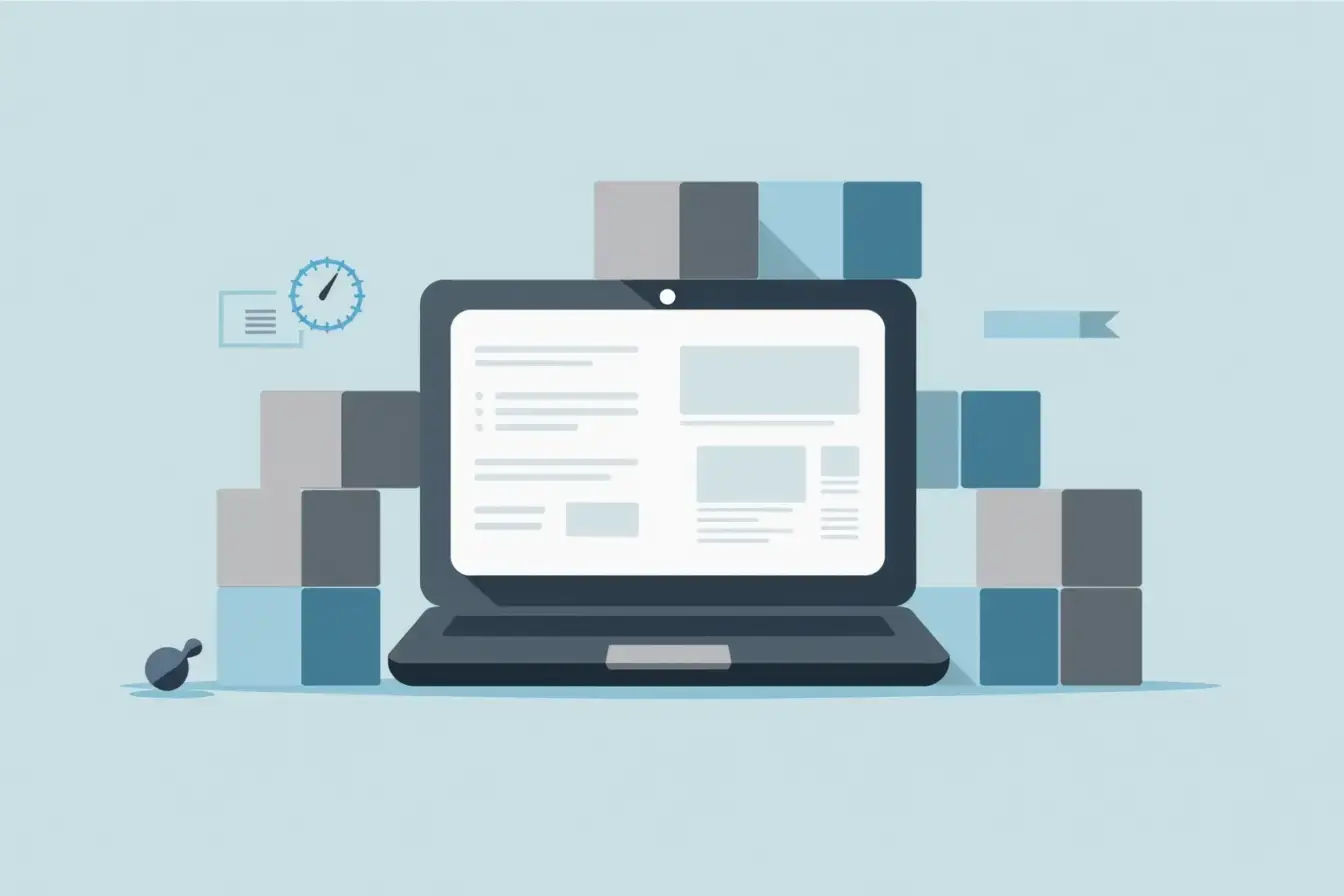
Creating a website for your small business is more than just setting up a digital storefront—it’s about building a platform that works seamlessly for your business goals and your customers’ needs. By focusing on usability, performance, and aesthetics, you can create a powerful online presence that supports growth and customer engagement.
What Defines a Great Website for Small Businesses?
A great small business website isn’t defined by how flashy or complex it is but by how well it serves its purpose: to inform, engage, and convert visitors into customers. Here are the key elements that every small business website needs to succeed:
- Easy Navigation
Simplicity is critical. Users should be able to find what they’re looking for in just a few clicks. Organize your website with a clear menu structure, intuitive categories, and internal links to guide users through your content.- Example: Use dropdown menus for services or product categories.
- Include a site-wide search bar for convenience.
- Mobile Responsiveness
With over half of web traffic coming from mobile devices, your website must perform well on smartphones and tablets. A responsive design ensures your site adapts seamlessly to different screen sizes.- Example: Test how your site looks and functions on mobile, ensuring buttons, text, and images are optimized for smaller screens.
- Fast Loading Speeds
Speed matters. A slow website can drive visitors away and hurt your search engine rankings. Aim for a loading time of under 2-3 seconds. Compress images, use efficient coding practices, and consider a Content Delivery Network (CDN).- Technical Tip: Use lazy-loading for images to prioritize visible content:
<img src="image.jpg" loading="lazy" alt="Small Business Service">- SEO Optimization
Your website should be built with SEO in mind from the start. Use descriptive meta tags, structured headings, and keyword-rich content like website development for small business to rank higher in search engine results. - Professional Design
First impressions matter. Use consistent branding, clean layouts, and appealing visuals to make your site look polished and professional. - Essential Website Features
- Contact Forms: Allow users to reach you easily without leaving the site.
- Call-to-Action (CTA) Buttons: Clear and compelling CTAs guide visitors toward specific actions, such as “Contact Us” or “Request a Quote.”
- Intuitive Layouts: Make your site easy to navigate with logical page structures and clear pathways to key information.
The Role of Professional Website Developers for Small Business
While there are DIY platforms available, working with professional website developers for small business is often the smarter choice for building a site that stands out and delivers results.
- Why Hire Professional Developers? Developing a professional-quality website requires expertise in multiple areas, including design, coding, SEO, and performance optimization. Professional developers can ensure that your website:
- Meets industry standards.
- Is fully optimized for performance and SEO.
- Reflects your brand identity with a custom design.
- The Benefits of Professional Developers vs. DIY Solutions
- Customization: DIY platforms often limit your options to templates, while professional developers can create a site tailored to your unique needs.
- Technical Support: Developers offer ongoing support to troubleshoot issues and keep your site updated.
- Scalability: Professionals build websites that can grow with your business, from adding new features to integrating advanced tools.
- Why Choose the Best Website Developers for Small Business? Working with the best website developers for small business ensures high-quality results. Look for developers with:
- Experience in creating small business websites.
- A strong portfolio showcasing user-friendly and visually appealing designs.
- Knowledge of SEO best practices and performance optimization.
By focusing on these foundational elements and partnering with skilled developers, your small business can create a website that not only looks great but also drives measurable results.
Key Steps in Website Development for Small Business

Developing a website for your small business involves a series of well-structured steps to ensure the final product aligns with your goals, audience expectations, and industry standards. Here’s how to approach the process.
Planning Your Website
The foundation of a successful website starts with meticulous planning. This stage involves setting clear objectives and creating a roadmap for development.
Identifying Goals
Begin by defining the primary purpose of your website. Ask yourself:- Is it focused on branding to build trust and recognition?
- Are you aiming to generate leads through contact forms or consultations?
- Will the website support e-commerce, enabling you to sell products or services online?
Clearly identified goals will guide decisions in design, content, and functionality.
Deciding the Structure
Create a sitemap that outlines the main pages and their hierarchy. For a small business, the essential pages include:- Homepage: Your first impression. Showcase your value proposition and key offerings.
- About Page: Share your story, mission, and team to connect with customers.
- Services or Products Page: Highlight what you offer, with detailed descriptions and pricing (if applicable).
- Contact Page: Provide contact information, a form, and links to social media.
If your business is location-specific, include a Location Page with a Google Maps integration for directions.
Designing for Your Audience
A visually appealing and user-friendly design is crucial for engaging your target audience. Your website design should align with both the needs of your customers and your business goals.
Understanding the Customer Journey
Map out how visitors will interact with your website:- What will they search for when they land on your homepage?
- How can you direct them to take action, like making a purchase or filling out a form?
Design your website to reduce friction and guide users effortlessly toward conversions.
Focusing on Small Business Needs
Small businesses often cater to local audiences or niche markets. Tailor your design to emphasize:- Local SEO: Add location-specific keywords and highlight local services.
- Industry-Specific Designs: For example, a small bakery might include photo galleries of their work, while a contractor might use portfolio pages to showcase projects.
Additionally, use visual branding (colors, fonts, and logos) consistently across the website.
Building the Website
Once the planning and design are in place, the next step is to build a functional and responsive website. This involves choosing the right platform, coding where necessary, and implementing features.
- Choosing the Right Platform
The platform you choose depends on your technical expertise and business needs:- WordPress: Ideal for flexibility and scalability. Great for blogs and service-based businesses.
- Shopify: Perfect for small businesses focused on e-commerce.
- Custom Development: Offers complete control but requires technical expertise and a larger budget.
- Mobile-Friendly and Scalable Design
Ensure that your website performs seamlessly across all devices, from desktops to smartphones. This not only improves user experience but also boosts your search engine rankings. - Sample Code Example: Embedding a Mobile-Responsive Navigation Menu A clean and responsive navigation menu is vital for guiding users through your site. Below is an example of HTML and CSS for a mobile-friendly navigation bar:
<nav>
    <ul class="menu">
        <li><a href="#home">Home</a></li>
        <li><a href="#services">Services</a></li>
        <li><a href="#contact">Contact</a></li>
    </ul>
</nav>
<style>
    .menu {
        display: flex;
        flex-wrap: wrap;
        list-style: none;
        padding: 0;
        margin: 0;
    }
    .menu li {
        margin: 10px;
    }
    .menu a {
        text-decoration: none;
        font-weight: bold;
        color: #333;
        padding: 10px;
    }
    @media (max-width: 768px) {
        .menu {
            flex-direction: column;
        }
        .menu li {
            margin: 5px 0;
        }
    }
</style>
This menu adjusts automatically to smaller screens, improving navigation on mobile devices.
SEO Optimization in Website Development for Small Businesses
Search Engine Optimization (SEO) is an integral part of website development, especially for small businesses looking to compete in a crowded digital landscape. By optimizing your website for search engines, you can improve its visibility, attract more organic traffic, and convert visitors into customers.
The Importance of SEO for Small Businesses
- Benefits of Ranking on the First Page of Google
Statistics show that the top three results on Google receive the majority of clicks. If your small business website ranks on the first page, you’re far more likely to capture potential customers actively searching for your services. Ranking higher:- Drives organic traffic without relying on paid ads.
- Positions your business as a trusted and credible option in your industry.
- Improves brand awareness by consistently appearing in relevant searches.
- The Role of SEO in Competing with Larger Businesses
While big companies often dominate search results, small businesses can compete effectively with the right SEO strategies. By focusing on:- Long-tail keywords like “affordable website developers for small business.”
- Local SEO to target customers in specific geographic areas.
- Niche content that directly addresses the needs of your audience. You can carve out a competitive edge, even against larger brands with bigger budgets.
On-Page SEO Strategies
Optimizing your website’s individual pages is key to improving search rankings. Focus on the following elements to ensure search engines can easily understand and rank your content:
- Importance of Meta Tags, Header Tags, and Keyword-Rich Content
- Meta Tags: Write clear, keyword-rich meta titles and descriptions for each page.
- Header Tags: Use proper heading structures (H1, H2, H3) to organize content. This not only improves readability but also helps search engines understand the content hierarchy.
- Keyword-Rich Content: Incorporate relevant keywords naturally throughout the text, but avoid overstuffing.
- Sample Optimization for a Small Business Service Page
Here’s how you can optimize a service page for website development for small business:HTML
<meta name="description" content="Affordable website development for small businesses. Boost your online presence with professional website developers.">
<meta name="keywords" content="website development for small business, small business website development services, professional website developers">
<h1>Affordable Website Development for Small Business</h1>
<p>We specialize in creating user-friendly, SEO-optimized websites tailored for small businesses. Partner with us for cost-effective solutions that help you grow your online presence.</p>- Ensure each page is optimized for a primary keyword and includes related secondary keywords.
Local SEO for Small Businesses
For small businesses, targeting local customers can be one of the most effective ways to drive traffic and conversions. Local SEO ensures that your business appears prominently in location-based searches like “website developers near me” or “small business website development services in [city].”
- Claiming Your Google My Business Listing
- Verify your business on Google My Business (GMB) to appear in local search results and on Google Maps.
- Include complete information: business name, address, phone number, website, and operating hours.
- Use high-quality images and encourage customers to leave reviews.
- Adding Schema Markup for Local Businesses
Schema markup is structured data that helps search engines better understand your website and display rich snippets in search results. Use the following JSON-LD code to enhance your local SEO:
{
    "@context": "https://schema.org",
    "@type": "LocalBusiness",
    "name": "Your Business Name",
    "address": {
        "@type": "PostalAddress",
        "streetAddress": "123 Main Street",
        "addressLocality": "City",
        "addressRegion": "State",
        "postalCode": "12345"
    },
    "url": "https://www.yourbusinesswebsite.com",
    "telephone": "+1-555-555-5555",
    "openingHours": "Mo-Fr 09:00-17:00",
    "image": "https://www.yourbusinesswebsite.com/logo.png",
    "priceRange": "$$"
}
Other Local SEO Tactics
- Add your location and service area to your website’s footer and contact page.
- Build local backlinks from directories, community organizations, and partners.
- Write blog posts targeting local topics, such as “Top Website Development Services in [City].”
Common Challenges in Small Business Website Development

Building a website for your small business can come with unique challenges. From tight budgets to technical hurdles, small businesses must navigate these obstacles carefully to create a website that aligns with their goals. Here’s a look at some of the most common challenges and how to overcome them.
Budget Constraints
Many small businesses operate on limited budgets, making it difficult to allocate significant resources for website development. However, a lack of funding shouldn’t mean compromising on quality.
- Tips for Cost-Effective Website Development
- Start Small: Instead of building a large, multi-page website, focus on a few core pages (e.g., homepage, about page, services, contact) and expand over time.
- Use Templates: Many platforms like WordPress and Shopify offer affordable, customizable templates that are beginner-friendly and professional-looking.
- Leverage Free Tools: Use free SEO tools (e.g., Google Search Console, Ubersuggest) and design resources (e.g., Canva for graphics) to save on costs.
- Affordable Small Business Website Development Services
Professional services don’t have to break the bank. Many developers specialize in small business website development services, offering affordable packages tailored to limited budgets. These packages may include:- Basic website design with pre-built templates.
- SEO setup for a few key pages.
- Essential features like contact forms and mobile responsiveness.
Technical Expertise
Creating and maintaining a professional website requires a certain level of technical skill, which can be a hurdle for small business owners who may lack experience in web development.
Why Partnering with Website Developers for Small Business is Essential
Hiring website developers for small business ensures that your site is built to meet professional standards. Developers can handle:- Custom coding for advanced features.
- Ensuring website security (SSL certificates, secure payment gateways).
- Optimizing performance (loading speed, mobile responsiveness).
Pro Tip: Outsourcing to professionals also saves time, allowing you to focus on running your business instead of troubleshooting technical issues.
- Training Staff to Manage a Simple CMS
Once your website is live, you’ll need to update it regularly with fresh content, promotions, or changes to your services. Training your team to manage a Content Management System (CMS), such as WordPress, ensures your website stays current without needing constant developer assistance.- Choose a CMS with a user-friendly interface and drag-and-drop functionality.
- Create step-by-step guides or video tutorials for staff to reference.
Balancing Design and Functionality
Small businesses often struggle to strike the right balance between a visually appealing website and one that delivers a seamless user experience.
- Mistakes to Avoid in Small Business Website Design
- Cluttered Layouts: Overloading the homepage with too much information or too many elements can confuse visitors.
- Overly Flashy Designs: Animations and graphics can slow down your site and distract from your message.
- Ignoring Mobile Users: A desktop-only design will alienate mobile users, who make up the majority of online traffic.
- How to Prioritize User Experience (UX)
- Focus on Simplicity: Use clear navigation menus, concise content, and intuitive page layouts.
- Highlight Key Information: Make essential details—such as your contact information, services, and call-to-action (CTA) buttons—easily accessible.
- Test User Flows: Before launching your site, test it from a customer’s perspective to ensure it’s easy to use. Tools like Hotjar or Google Analytics can help identify problem areas.
How to Choose the Best Website Developers for Small Business

Selecting the right website developer can make or break the success of your small business’s online presence. A skilled developer will understand your goals, work within your budget, and deliver a website that drives results. Here’s a guide to help you find the best fit for your needs.
Questions to Ask Before Hiring a Developer
Before committing to a developer, it’s essential to ask the right questions to gauge their expertise, reliability, and compatibility with your project.
- What Does Their Portfolio Look Like?
- Review their past work to ensure their style aligns with your vision.
- Look for examples of websites developed for other small businesses, particularly in your industry or niche.
- Check for responsive designs, fast-loading pages, and user-friendly layouts in their portfolio.
- What Are Their Pricing and Turnaround Time?
- Ask for a detailed breakdown of costs, including development, hosting, and ongoing maintenance.
- Ensure the timeline for delivery matches your business needs, such as launching during a specific season or campaign.
- What Support Services Do They Offer Post-Launch?
- Clarify if they provide maintenance packages, technical support, and updates after the website goes live.
- Ask about training services to help your team manage the website or CMS.
- Check if they offer emergency support for unexpected issues like downtime or security breaches.
Pro Tip: Be wary of developers who promise extremely low prices or unusually fast turnarounds—this may indicate subpar quality or incomplete work.
Qualities of the Best Website Developers for Small Business
The best developers for small businesses have specific skills and traits that set them apart. Here’s what to look for:
- Experience in Small Business Projects
Developers who specialize in small business website development understand the unique challenges small businesses face, such as limited budgets, local SEO requirements, and scalability for growth.- They know how to create cost-effective websites without sacrificing quality.
- They are familiar with small business-specific features like contact forms, local search optimization, and simple navigation.
- Strong Communication Skills
Communication is key to a successful development process. The best developers:- Listen carefully to your needs and ask thoughtful questions.
- Provide regular updates on project progress.
- Explain technical concepts in plain language so you fully understand the process.
- Transparent Workflows
A professional developer will have a clear and structured process for building your website, which may include:- Initial consultation and goal-setting.
- Wireframing and design mockups for your approval.
- Regular check-ins during development to ensure alignment.
- A final walkthrough and training session before launch.
- Positive Reviews and References
Look for testimonials or references from past clients. Positive reviews on platforms like Google, Clutch, or Trustpilot can give you confidence in their reliability and quality of work. - Commitment to SEO and Performance
The best developers understand the importance of SEO and website speed. They will ensure your site is optimized for search engines and delivers a fast, smooth user experience.
Maintenance and Scalability
Once your small business website is live, the work doesn’t end. Maintaining its performance, security, and relevance is essential for long-term success. Additionally, as your business grows, your website must adapt to new demands. This section covers why ongoing maintenance and scalability are crucial for small business websites.
Importance of Ongoing Website Maintenance
A website is not a one-time project—it requires consistent care to ensure it functions properly and delivers a seamless experience for users.
Regular Updates for Security and Performance
- Security Updates: Cyber threats evolve constantly, and outdated software can leave your website vulnerable. Regular updates to your CMS, plugins, and themes are critical for protecting your site and customer data.
- Performance Enhancements: Over time, new technologies and best practices emerge. Updating your website ensures it remains fast and user-friendly.
- Content Refreshes: Updating content (blog posts, product descriptions, etc.) keeps your website relevant and improves SEO rankings.
Pro Tip: Schedule monthly maintenance to check for updates, monitor performance metrics, and fix potential issues.
- Ensuring Plugins and Integrations Remain Functional
- Plugins and integrations (e.g., payment gateways, SEO tools, or analytics platforms) are essential for a fully functional website. However, as your CMS updates, some plugins may become incompatible or require manual updates.
- Test all integrations regularly to ensure they work seamlessly, especially on pages critical to your business, such as checkout or lead generation forms.
Planning for Future Growth
A well-built website should grow alongside your business, whether that means adding more products, expanding services, or reaching a larger audience. Scalability ensures your site can handle these changes without requiring a complete rebuild.
- Making Your Website Scalable for Expanding Products or Services
- E-Commerce Growth: If you’re adding new products, ensure your website’s backend and hosting can handle increased traffic and inventory. Use platforms like Shopify or WooCommerce for easy scalability.
- Service Expansion: If you’re offering new services, plan for additional pages or sections to showcase them effectively.
- Traffic Spikes: As your business grows, you may see spikes in web traffic due to seasonal promotions or marketing campaigns. Invest in scalable hosting solutions to prevent downtime during high-traffic periods.
- Importance of Flexible Platforms
- Customizable CMS: Platforms like WordPress allow for easy addition of new features, pages, and functionality, making them ideal for growing businesses.
- Future-Proof Design: Work with developers to build a website with modular architecture. This ensures you can add or modify features without overhauling the entire site.
- Cloud Hosting: Opt for cloud-based hosting solutions that allow you to scale resources (e.g., bandwidth, storage) as needed, ensuring optimal performance at all times.
Table: Website Development Checklist for Small Businesses
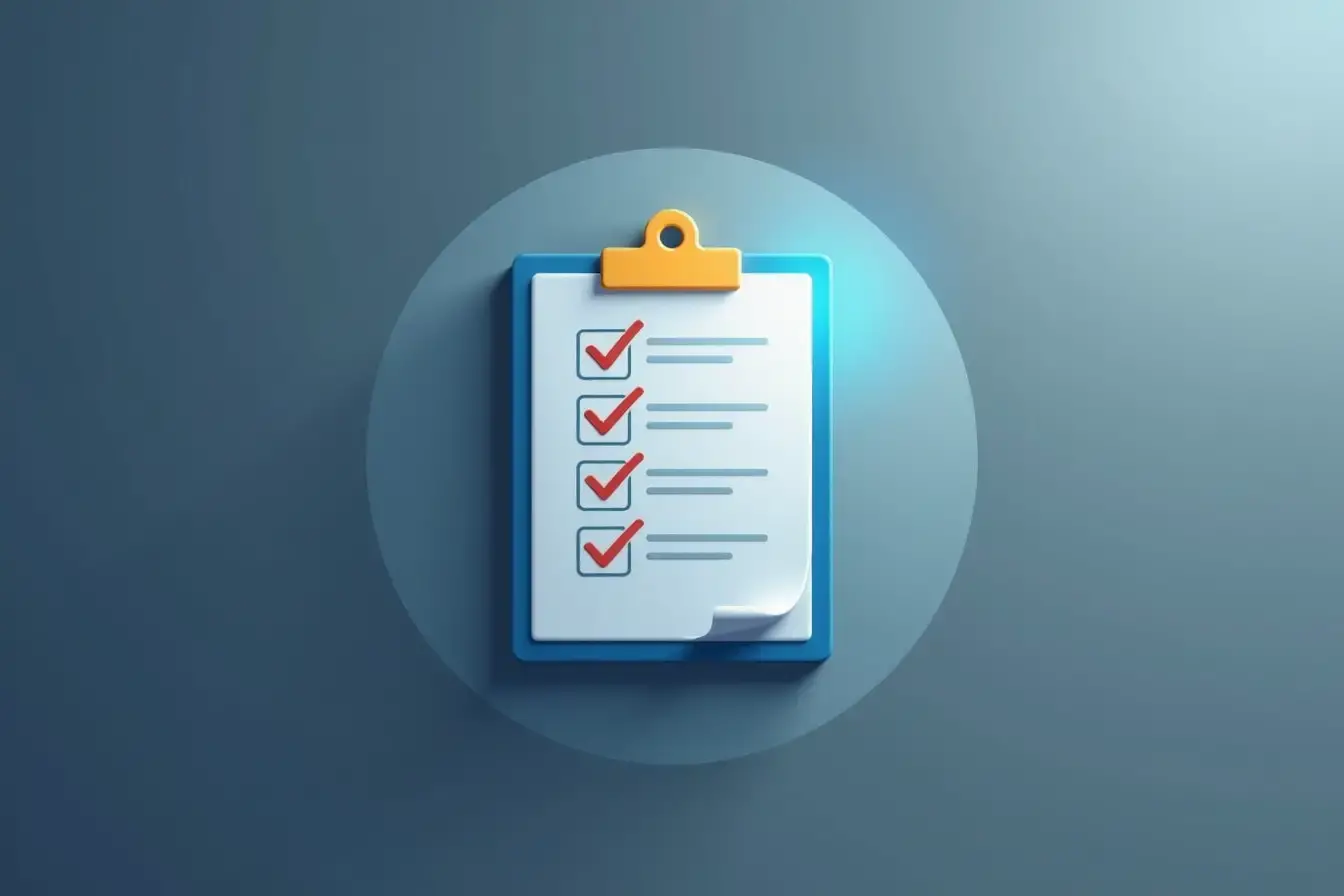
This table provides a comprehensive checklist to guide small business owners through each step of the website development process, complete with tools and examples to streamline the journey.
| Step | Description | Tools/Examples |
|---|---|---|
| Goal Identification | Define the purpose of the website | Business Plan |
| Platform Selection | Choose the right platform for your needs | WordPress, Shopify, Wix |
| Design & Layout | Create wireframes and prototypes | Figma, Adobe XD |
| Development | Code or configure the website | HTML, CSS, JavaScript |
| Content Creation | Write keyword-optimized copy | SEMrush, Grammarly |
| SEO Optimization | Add meta tags, alt texts, and schema markup | Yoast SEO, Google Search Console |
| Testing | Ensure responsiveness and functionality | BrowserStack, GTmetrix |
| Launch | Publish the website and monitor performance | Google Analytics, Hotjar |
How much does website development for small businesses cost?
How long does it take to build a small business website?
What’s the best platform for small business websites?
WordPress: Ideal for flexibility and scalability.
Shopify: Best for e-commerce businesses.
Wix or Squarespace: Great for beginners and quick setup. The right platform depends on your business needs, budget, and technical expertise.