


Small business SEO structure
Build a stronger internal linking strategy for your business website
An internal linking strategy helps small business websites connect related pages, guide visitors to important services, and make the site easier for search engines to understand. This guide explains how to plan internal links for service pages, blog articles, navigation, local pages, and conversion paths without overcomplicating your website.
Clearer structure
Connect service pages, blog content, location pages, and contact paths in a way users can follow.
Better crawl paths
Help search engines discover important pages through relevant internal links.
Stronger service pages
Support commercial pages with related educational content and contextual links.
More useful navigation
Make it easier for visitors to move from research to inquiry.



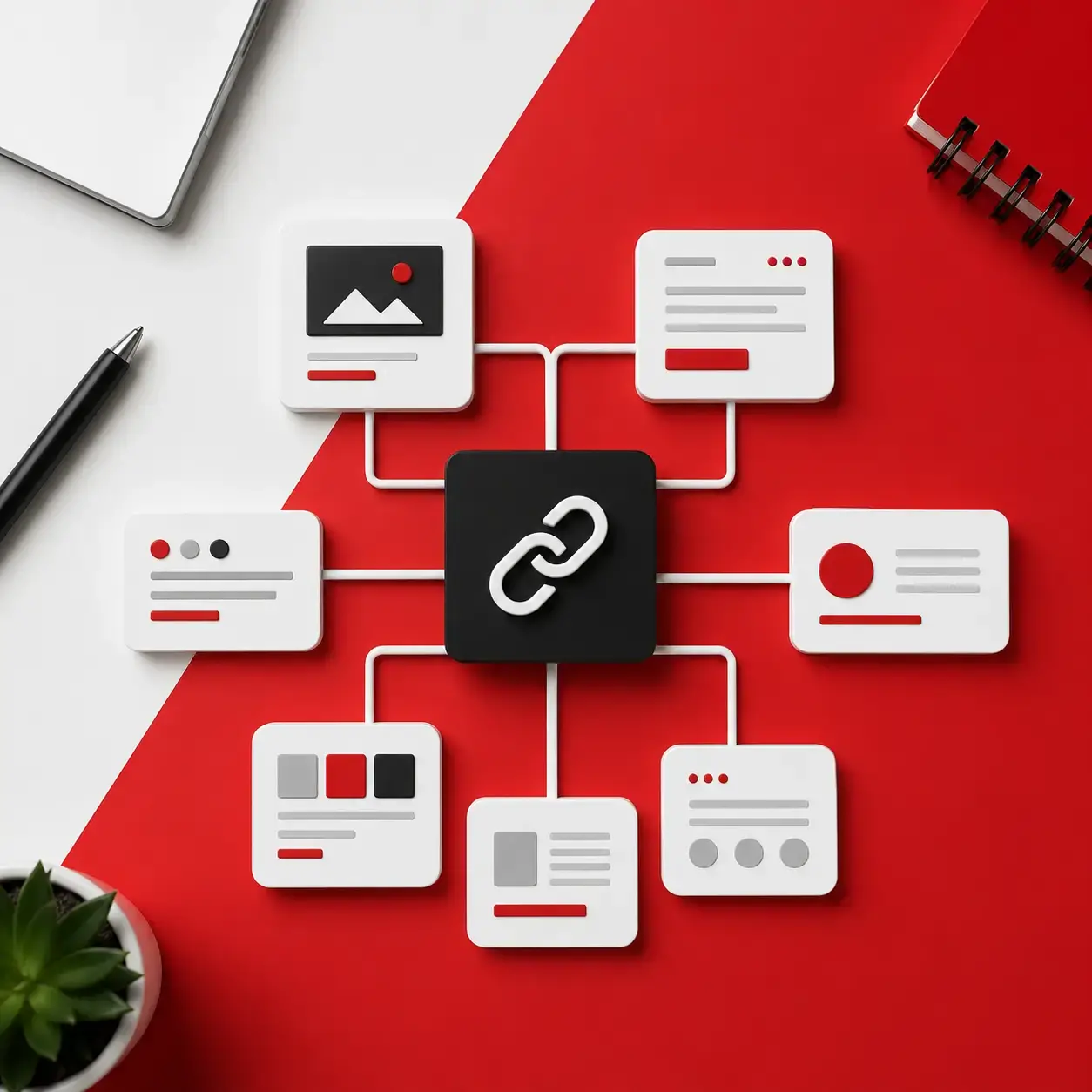
Quick answer
What is an internal linking strategy?
An internal linking strategy is a planned approach to connecting pages on the same website with useful links and descriptive anchor text. For a small business, this usually means linking the homepage, service pages, blog articles, local landing pages, case studies, FAQs, and contact pages so visitors can find the next useful page and search engines can understand the site structure.
Definition
Internal links connect pages on your own website
An internal link points from one page on your domain to another page on the same domain. Examples include a blog post linking to a service page, a homepage linking to core services, or an FAQ answer linking to a consultation page.
Main benefit
They clarify what matters most
Internal links help show which pages are important, how topics relate, and where users should go next. This is especially useful when your website has multiple services, locations, blog posts, or landing pages.
SEO role
They support crawling and topical relevance
Internal links SEO work is not only about adding more links. It is about creating logical paths, using descriptive anchor text, avoiding orphan pages, and connecting related content around your most important services.
Business outcome
They help turn research into action
A visitor reading a guide may not be ready to contact you yet. A relevant internal link can move that visitor to a service page, portfolio item, pricing option, or contact form at the right moment.
Article navigation
Use this guide to improve your website structure
Jump to the section that matches your current problem, or explore related Web Fly services if you need help with SEO, technical structure, landing pages, or website development.
Guide sections
Related services
Why it matters
Why internal links matter for SEO, users, and service pages
Internal links make your website easier to use and easier to understand. For small and medium-sized businesses, the goal is not to link every page to every other page. The goal is to create useful paths between related content, important services, and conversion pages. A strong internal linking strategy helps users move from a question to a solution, while giving search engines clearer context about your website.
Improve on-page SEO
Good internal links are helpful, natural, and relevant. They should support the reader instead of interrupting the page with random links.
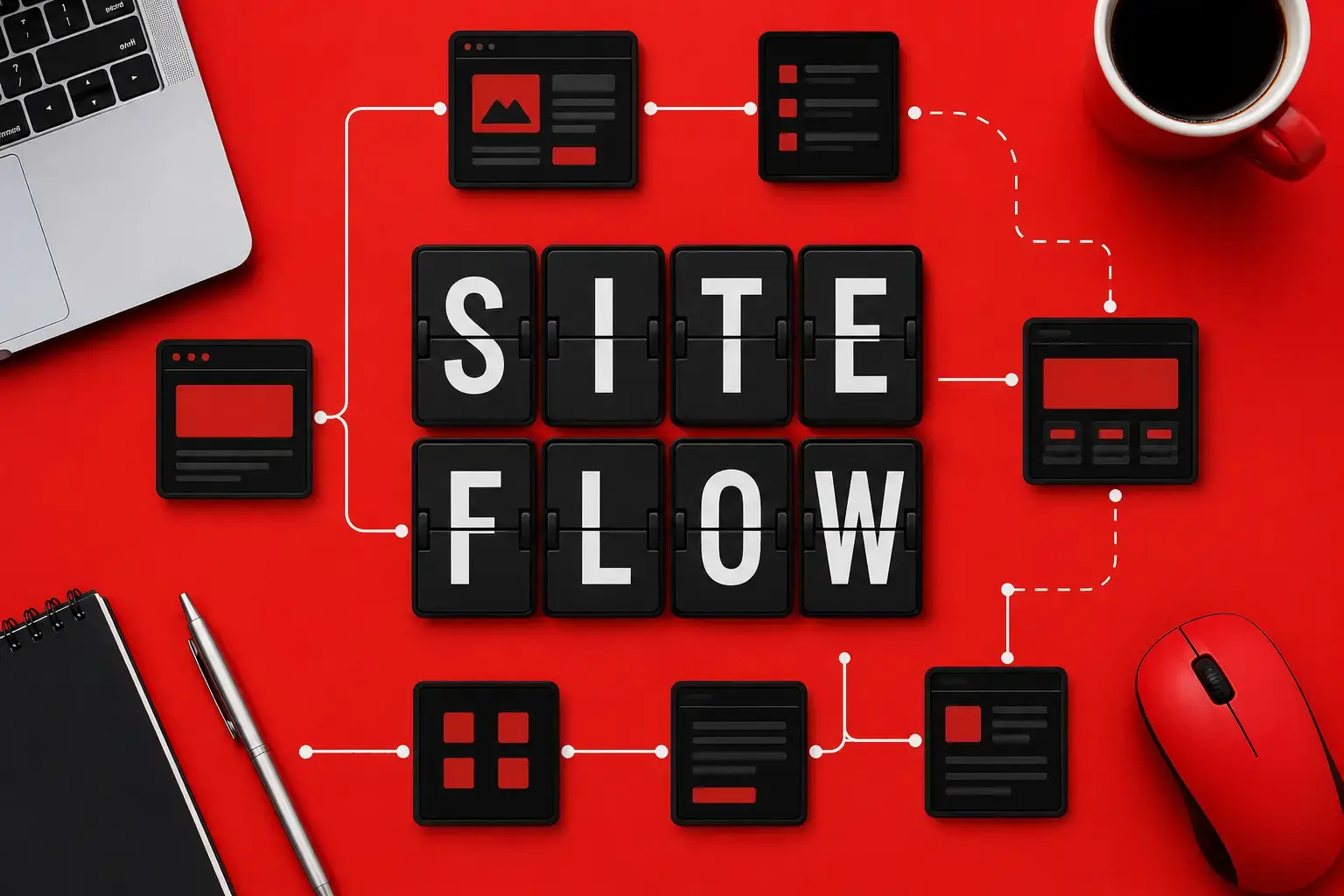
They help users find the next step
A visitor may enter your site through a blog post, not your homepage. Internal links can guide that person to a service page, case study, contact form, or related guide.
They support important service pages
Service page internal linking helps commercial pages receive support from relevant blog content, FAQs, local pages, portfolio examples, and navigation sections.
They reduce orphan page problems
An orphan page has no useful internal links pointing to it. Even if the page is published, it may be hard for users and search engines to discover.
They improve website navigation SEO
Navigation, footer links, breadcrumbs, related content, and contextual links all help create a clearer structure when used carefully.
They add context through anchor text
Anchor text should describe the destination page. Clear wording such as technical SEO audit is more useful than vague wording such as click here.
They support conversion paths
Internal links can move users from awareness to decision. A guide can link to a relevant service, and a service page can link to a contact option or portfolio example.
Core elements
What a strong internal linking strategy should include
The best internal links are planned around user intent, business priorities, and page relationships. Use these elements to turn scattered pages into a connected website structure.
Priority
Priority pages
Identify the pages that matter most for leads, sales, and trust. These are usually main service pages, contact pages, high-intent landing pages, portfolio pages, and strong educational resources.
- Homepage
- Core service pages
- Local service pages
- Contact page
- Case studies or portfolio pages
Start here
Relevance
Relevant source pages
Choose pages that naturally support the destination page. A blog post about website speed can link to technical SEO, while a landing page article can link to landing page design.
- Blog posts
- FAQ sections
- Comparison pages
- Guides
- Related services
Context first
Anchor text
Descriptive anchor text
Use anchor text that explains what the linked page is about. Avoid vague labels when a more specific phrase would help the reader.
- Use natural wording
- Match page intent
- Avoid repeated exact anchors
- Avoid click here
- Keep it concise
Clear wording
Architecture
Logical site architecture
Your internal links should reflect how your business is organized. Main services should be easy to reach from navigation, supporting content, and related pages.
- Homepage to services
- Services to subservices
- Blogs to services
- Locations to services
- Portfolio to relevant services
Structure
Clusters
Content clusters
Group related content around a main topic. A central SEO service page can be supported by articles about technical SEO, on-page SEO, internal links, audits, and content strategy.
- Pillar page
- Supporting articles
- Related FAQs
- Case examples
- Service CTAs
Topic support
Maintenance
Regular link maintenance
Internal links should be reviewed when pages are added, removed, redesigned, or renamed. Broken links, outdated anchors, and missing links can weaken the structure.
- Check broken links
- Update old posts
- Fix redirected links
- Review orphan pages
- Refresh service links
Ongoing
Website checklist
Internal linking checklist for a small business website
Use this checklist before publishing a new page or reviewing an existing website. The goal is to make sure every important page has a clear purpose, relevant incoming links, and a useful next step.
Homepage
Link from the homepage to your main services
The homepage should make your primary services easy to find. Do not hide important offers several clicks deep if they are central to your business.
- Add core service links
- Use clear labels
- Include contact access
- Avoid cluttered navigation
Service pages
Connect service pages to supporting content
Each service page should have relevant internal links from blog posts, FAQ answers, local pages, related services, or portfolio examples.
- Link from educational articles
- Add related service links
- Use descriptive anchors
- Point users to contact options
Blog posts
Add helpful links from articles to commercial pages
A blog article should not exist in isolation. If the article explains a business problem, link to the service that solves that problem when it is naturally relevant.
- Link to one main service
- Add related resources
- Avoid unrelated CTAs
- Update older posts
Navigation
Review website navigation SEO
Navigation should support real user behavior. Make sure users can quickly find services, examples, resources, and contact options on desktop and mobile.
- Check menu labels
- Review footer links
- Use breadcrumbs when helpful
- Test mobile menus
Technical
Find broken links and orphan pages
Run a basic SEO crawl or site review to find pages that have no internal links, broken destinations, redirect chains, or outdated URLs.
- Find 404 pages
- Find orphan pages
- Fix redirect chains
- Update old URLs
Conversion
Make every important page lead somewhere useful
Internal links should help users continue their journey. A service page can lead to a contact form, quote request, portfolio example, related service, or practical FAQ.
- Add next-step links
- Use helpful CTAs
- Support decision pages
- Remove distracting links
Step-by-step process
How to build internal links for a small business website
You do not need a complex enterprise SEO model to improve internal links. Start with your most valuable pages, map related content, and add links where they help the reader make a better decision.
01
Step
Inventory
List your most important pages
Create a simple list of pages that matter most to your business. Include core services, location pages, contact pages, landing pages, portfolio pages, and high-performing articles.
Foundation
02
Step
Mapping
Group pages by topic and intent
Organize pages into topics such as website development, SEO, technical SEO, landing pages, Google Ads, and local services. This helps you see which pages should naturally connect.
Structure
03
Step
Relevance
Find pages that should link to service pages
Look for articles, FAQs, case studies, and navigation areas that mention a problem your service solves. Add links only where the connection is useful and specific.
Service support
04
Step
Anchors
Write clear anchor text
Use concise wording that describes the destination page. Mix natural anchors instead of repeating the same exact phrase across every page.
Clarity
05
Step
Audit
Fix technical link issues
Check for broken internal links, redirect chains, noindex pages linked from important sections, and pages with no incoming internal links.
Cleanup
06
Step
Maintenance
Review links when content changes
Internal linking is not a one-time task. Review links when you publish a new article, launch a new service, redesign the website, or change URLs.
Ongoing
Problem and solution
Common internal linking mistakes and how to fix them
Most internal linking problems come from random linking, weak navigation, outdated URLs, or service pages that are not supported by the rest of the website. The fix is usually a better structure, not more links everywhere.
Problems to avoid
Only linking from the main menu
Navigation links are useful, but important pages also need contextual links from relevant content, FAQs, articles, and related service sections.
Using vague anchor text
Generic anchors such as learn more do not explain the destination clearly. Use natural wording that tells users what page they will visit.
Ignoring old blog posts
Older articles may still receive traffic but send users nowhere useful. Review them and add links to current services or updated resources.
Creating orphan service pages
A service page with no meaningful incoming internal links is harder to discover and may feel disconnected from the rest of the site.
Adding too many unrelated links
More links do not automatically mean better SEO. Too many irrelevant links can distract users and weaken the purpose of the page.
Forgetting mobile navigation
If mobile users cannot reach key pages easily, your structure has a usability problem even if the desktop menu looks organized.
Better approach
Use contextual links
Add links inside paragraphs, FAQ answers, feature sections, and related content blocks when they help the user understand the next step.
Write descriptive anchors
Use concise anchor text such as technical SEO audit, landing page design, or custom website development when those phrases match the target page.
Refresh existing content
Update older articles with links to newer service pages, better resources, and current offers when the relationship is relevant.
Support commercial pages
Make sure important service pages receive links from the homepage, navigation, related articles, case studies, and location pages.
Prioritize usefulness
Every link should answer a user question, help compare options, explain a service, or move the visitor toward a useful decision.
Test the real journey
Open the website as a customer would. Start from a blog post, service page, or mobile menu and check whether the next step is obvious.
Practical examples
Internal linking strategy for service pages
Service pages are usually the pages that generate leads, quotes, calls, and consultations. They need links from pages that explain related problems, prove expertise, and help visitors compare options.
1
Blog article to service page
An article about improving website speed can link to a technical SEO service page because the reader may need help finding and fixing performance issues.
2
Homepage to core service page
The homepage should link to your main services with clear labels. For example, website development, organic SEO, technical SEO, and landing page design should not be hidden behind unclear menu wording.
3
Service page to related service
A custom website development page can link to on-page SEO, landing page design, or Google Ads-ready website work when those services are part of the same business goal.
4
FAQ answer to commercial page
An FAQ about how long SEO takes can link to organic SEO services if the answer naturally leads to a deeper explanation or consultation.
5
Portfolio page to matching service
A portfolio example for a redesigned service website can link back to custom website development or landing page design, helping visitors understand what service produced the result.
6
Location page to service page
A local page for a US service area can link to the relevant service page when the business wants users to understand both the local offer and the full service details.
Website help options
What to do after improving your internal linking strategy
Internal links often reveal deeper website issues: unclear service pages, weak navigation, technical errors, missing content, or landing pages that are not ready for SEO or paid traffic. Choose the next step based on the problem you find.
Option
Timeline
Estimate
Action
Technical SEO audit
Best when your website may have broken links, orphan pages, crawl issues, redirect problems, indexation issues, or unclear technical structure.
After review
Custom quote
On-page SEO improvement
Best when your service pages need better headings, internal links, content structure, meta data, FAQs, and conversion-focused page sections.
Project-based
Based on scope
Custom website development
Best when your current website structure, navigation, templates, or CMS setup makes it difficult to create clean SEO-friendly internal links.
Depends on the website
Project-based estimate
FAQ
Internal linking strategy FAQ
Short answers to common questions business owners ask when improving internal links, service page structure, and website navigation SEO.
Why are internal links important?
Internal links are important because they help users move through your website and help search engines understand how your pages are connected. They can support important service pages, reduce orphan page issues, and create clearer paths from educational content to conversion pages.
How many internal links should a page have?
There is no fixed number that works for every page. A short service page may need only a few useful links, while a long guide may need more. The best rule is to add links when they help the reader understand the topic or take the next useful step.
What pages should link to service pages?
Service pages should receive links from the homepage, main navigation, related blog posts, FAQ sections, local pages, portfolio examples, and other relevant service pages. The link should make sense in context and use anchor text that describes the service clearly.
What is the difference between internal links and navigation links?
Navigation links are a type of internal link that usually appear in the menu, footer, breadcrumbs, or sitewide layout. Contextual internal links appear inside page content, such as a blog paragraph linking to a relevant service page. A strong strategy usually uses both.
How do I find pages with no internal links?
You can find pages with no internal links by reviewing your sitemap, SEO crawl data, CMS page list, and analytics landing pages. Look for published URLs that are not linked from menus, articles, service pages, or related content blocks.
Can too many internal links hurt SEO?
Too many irrelevant internal links can make a page harder to use and dilute the purpose of the content. Internal links should be helpful, relevant, and easy to understand. Quality and context matter more than adding a high number of links.
Get expert help
Need help improving internal links, service pages, or SEO structure?
Web Fly can review your website structure, identify weak internal links, improve service page connections, and help you build a clearer path from search traffic to consultation requests. If your website has grown without a plan, an SEO structure review can show what to fix first.
Contact Web Fly

Structure before design
A good website is easier to optimize when service pages, navigation, and supporting content are planned together.
SEO before traffic
Before scaling Google Ads or content marketing, make sure visitors can move from landing pages to services and contact options.
Useful links, not random links
Internal links should support real user decisions, not simply increase link count.