


Learn expert strategies for wordpress landing page creation to boost conversions, improve SEO, and generate qualified leads for your business.
WordPress Landing Page Creation for Business
Creating optimized, high-performing landing pages is essential for lead generation, local visibility, and conversion rate optimization. WordPress landing page creation provides a robust, flexible, and scalable platform for businesses seeking to dominate local and national search results. This guide explains every essential technical detail of building high-quality landing pages using WordPress—from planning and structure to design, coding, SEO, and publishing—targeted specifically for business owners, CEOs, and contractors in the U.S.
Why Focus on WordPress Landing Page Creation?
Control, Scalability, and SEO Flexibility
WordPress powers more than 40% of all websites globally for good reason. When it comes to WordPress landing page creation, developers and marketers enjoy unmatched control over structure, speed, and SEO strategy. Landing pages are often siloed, purpose-built destinations intended to rank for specific keywords, drive user action, and collect leads.
Using WordPress, you can:
- Customize the page’s HTML/CSS/JS with no vendor lock-in
- Optimize URLs and metadata programmatically
- Integrate with any form system or CRM
- Design a unique user experience with full design freedom
- Deploy scalable templates for local seo landing pages
Planning for Scalable WordPress Landing Page Creation
Define the Target Action
Before designing or writing copy, you need a clear objective. Ask:
- What is the one action the user should take? (e.g., request a quote, call, schedule consultation)
- How will performance be tracked? (Google Analytics 4, tag manager, CRM events)
Define Keyword Intent and Structure
Landing pages should be intent-specific and structured accordingly. Examples:
| Target Intent | Sample Title | Target CTA |
|---|---|---|
| Local SEO | Roofing Contractor in Houston, TX | Request a Free Quote |
| Product-Specific | Smart HVAC Controls for Warehouses | Schedule Demo |
| Service-Specific | Asphalt Driveway Paving in Denver, CO | Get a Free Estimate |
Use these insights to outline your wordpress landing page creation roadmap.
Core Technical Elements of a High-Converting Landing Page
Clean, Semantic HTML Structure
Your landing page’s structure affects both SEO and accessibility. Below is a basic HTML5 template for a landing page header:
<header>
  <h1>Commercial Roofing Services in Dallas, TX</h1>
  <p>Certified contractors offering emergency roof repair and replacement.</p>
  <a href="#quote-form" class="cta-button">Request a Free Quote</a>
</header>
Use semantic tags like <section>, <header>, <main>, and <footer> to organize content. Avoid <div> soup.
CSS for Responsive and Conversion-Focused Layouts
Landing pages must work perfectly across all devices. Here’s a CSS snippet for a responsive two-column layout:
.flex-container {
  display: flex;
  flex-wrap: wrap;
  justify-content: space-between;
}
.flex-item {
  flex: 1 1 45%;
  margin: 10px;
}
@media (max-width: 768px) {
  .flex-item {
    flex: 1 1 100%;
  }
}
Optimizing WordPress Landing Page Creation for Speed and SEO
Technical SEO Checklist
| Element | Requirement |
|---|---|
| Title Tag | Include keyword + location (max 60 characters) |
| Meta Description | Compelling, keyword-rich summary (max 160 characters) |
| URL Structure | /city/service-name (no query strings) |
| Image Optimization | Use WebP, include ALT tags, compress files |
| Schema Markup | Add LocalBusiness or Service structured data |
| Heading Hierarchy | Proper use of H1 → H2 → H3 |
| Internal Linking | Link to location/service hubs and blog articles |
Sample JSON-LD Schema for Local SEO
<script type="application/ld+json">
{
  "@context": "https://schema.org",
  "@type": "LocalBusiness",
  "name": "Austin Concrete Pros",
  "address": {
    "@type": "PostalAddress",
    "streetAddress": "1101 E 5th St",
    "addressLocality": "Austin",
    "addressRegion": "TX",
    "postalCode": "78702"
  },
  "url": "https://www.example.com/austin-concrete",
  "telephone": "+15125551234",
  "priceRange": "$$"
}
</script>
Building Templates for Local SEO Landing Pages
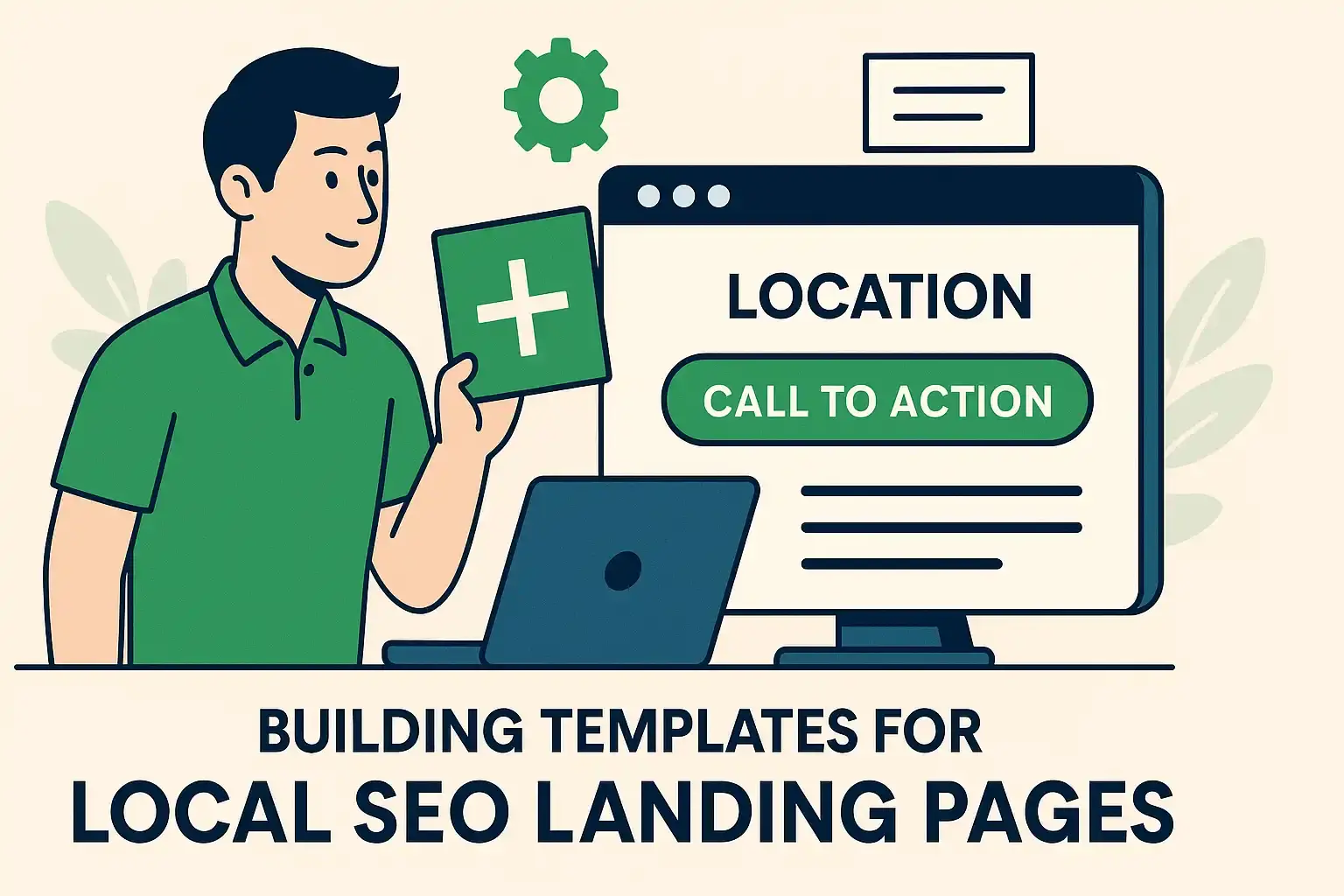
Use Custom Post Types or Page Builders
You can streamline wordpress landing page creation using:
- Advanced Custom Fields (ACF): Build structured templates
- Custom Post Types (CPT UI): Create distinct entities like “Location Page”
- Elementor or Gutenberg: Build reusable templates for non-dev teams
This structure makes managing hundreds of local seo landing pages scalable.
Example CPT Template Logic (PHP)
<?php
$location = get_field('city');
$service = get_field('service_type');
?>
<h1><?php echo $service; ?> Services in <?php echo $location; ?></h1>
<p>Certified experts offering <?php echo strtolower($service); ?> in <?php echo $location; ?>.</p>
How to Design Landing Page Experiences that Convert
Best Practices for Visual Hierarchy
A well-executed design landing page layout will:
- Put the CTA above the fold
- Use bold headings with clear benefits
- Include testimonials or trust badges mid-page
- Offer one single conversion point (e.g., “Get Estimate”)
Example Layout Strategy
<main>
  <section class="hero">
    <h1>Plumbing Services in Scottsdale, AZ</h1>
    <a href="#contact" class="cta">Request Service</a>
  </section>
  <section class="benefits">
    <ul>
      <li>Licensed & Insured Technicians</li>
      <li>Same-Day Appointments</li>
      <li>Transparent Pricing</li>
    </ul>
  </section>
  <section class="form" id="contact">
    <!-- Contact Form Plugin or HTML -->
  </section>
</main>
Use consistent font sizes, spacing, and button styles across devices.
Tracking and Testing Performance Post-Launch
Essential Tracking Setup
- Google Tag Manager: Manage events and conversions
- GA4: Track scroll, CTA clicks, and form submissions
- Heatmaps: Use tools like Hotjar or Microsoft Clarity
A/B Testing Ideas
| Variant A | Variant B | Metric to Track |
|---|---|---|
| “Get a Free Quote” CTA | “Request an Estimate” | Conversion Rate |
| Hero Image of Service Vehicle | Image of Smiling Technician | Scroll Depth |
| Form at Bottom | Form at Top | Lead Volume |
Mistakes to Avoid in WordPress Landing Page Creation
- Using slow, bloated themes
- Failing to define a single CTA
- Poor mobile optimization
- No location-specific schema
- Using duplicate content across local seo landing pages
- Overloading pages with sliders or animations
- Forgetting to compress images
Advanced Tips for Developers and SEO Teams
URL Parameter Management
Use canonical tags and query string filters if dynamically loading UTM parameters:
<link rel="canonical" href="https://example.com/houston-roofing" />
Lazy Load Non-Essential Elements
<img src="contractor.jpg" loading="lazy" alt="Licensed Contractor" />
Minify Assets Automatically
Use WP plugins or server-level optimization:
- Autoptimize
- WP Rocket
- Cloudflare with APO
Scaling WordPress Landing Page Creation with Automation
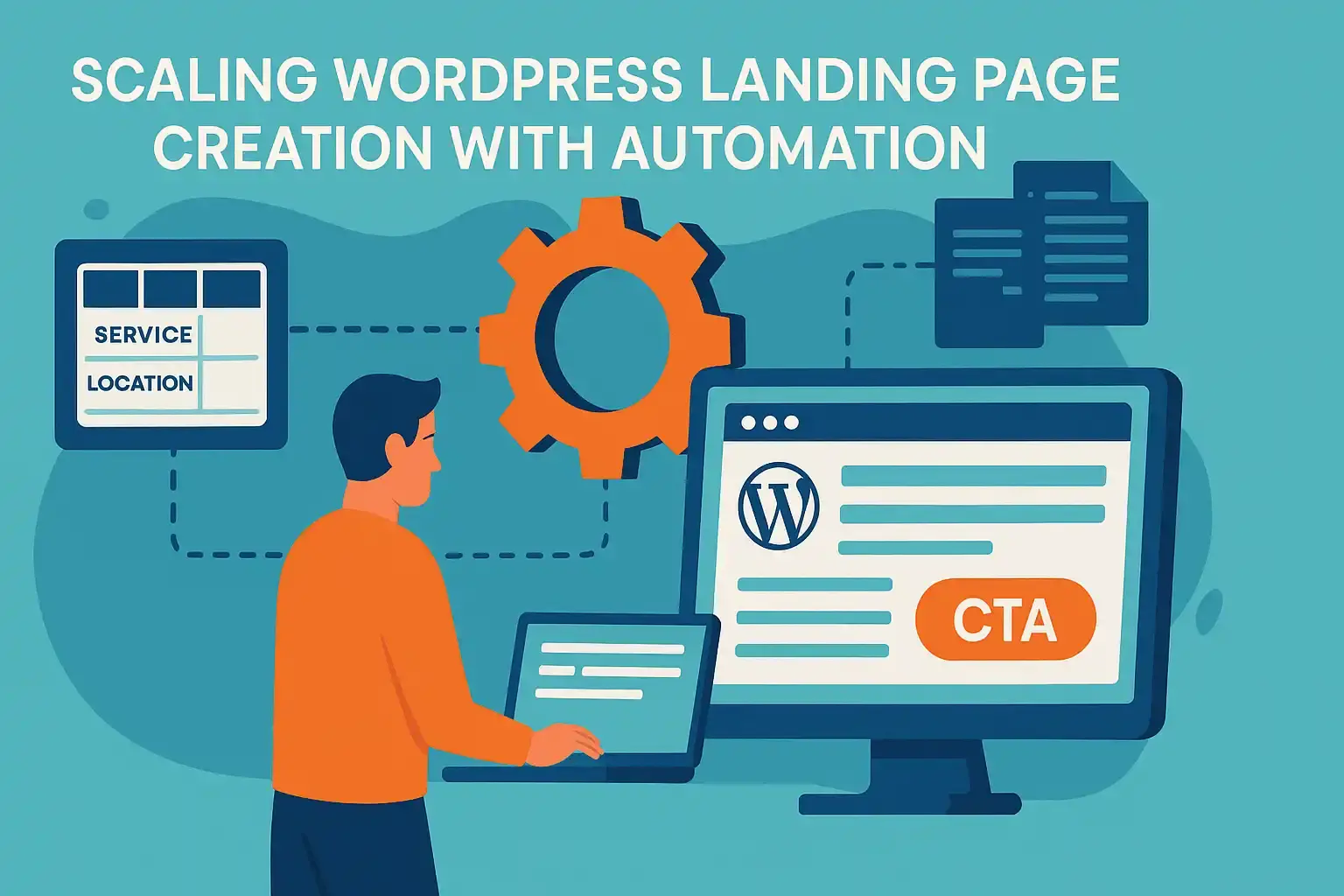
For multi-location businesses or agencies managing clients across regions:
- Use a Google Sheet with service + location columns
- Use a script or plugin to auto-generate pages from the data
- Auto-fill ACF fields and auto-publish drafts
This enables you to roll out 50+ local seo landing pages in days, not weeks.
Conclusion: Why Invest in Professional WordPress Landing Page Creation
Whether you’re a roofing contractor in Ohio, a landscaping firm in Arizona, or a regional HVAC company, effective wordpress landing page creation is one of the highest-ROI marketing investments available. It offers full technical control, design freedom, and SEO scalability—all while feeding your lead pipeline.