Howdy!

projects / Framer SEO & Optimization

Framer SEO & Optimization

Framer SEO Case Study

Framer SEO Optimization for Pro Quick Draw

This Framer SEO case study shows how Web Fly optimized an existing Pro Quick Draw website before launch. The project combined Framer SEO optimization, responsive troubleshooting, mobile navigation fixes, on-page improvements, technical auditing, URL migration planning, and final launch QA. The goal was to improve the existing site without rebuilding a working Framer project from scratch.
Client: Pro Quick Draw
Platform: Framer
Service: Framer SEO optimization
Industry: Football coaching software
Responsive QA layouts reviewed across screen sizes
7+ pages integration pages checked
Mobile QA navigation and touch issues resolved
Pre-launch SEO and technical review completed
View website
Framer SEO optimization case study for Pro Quick Draw website

The idea behind the project

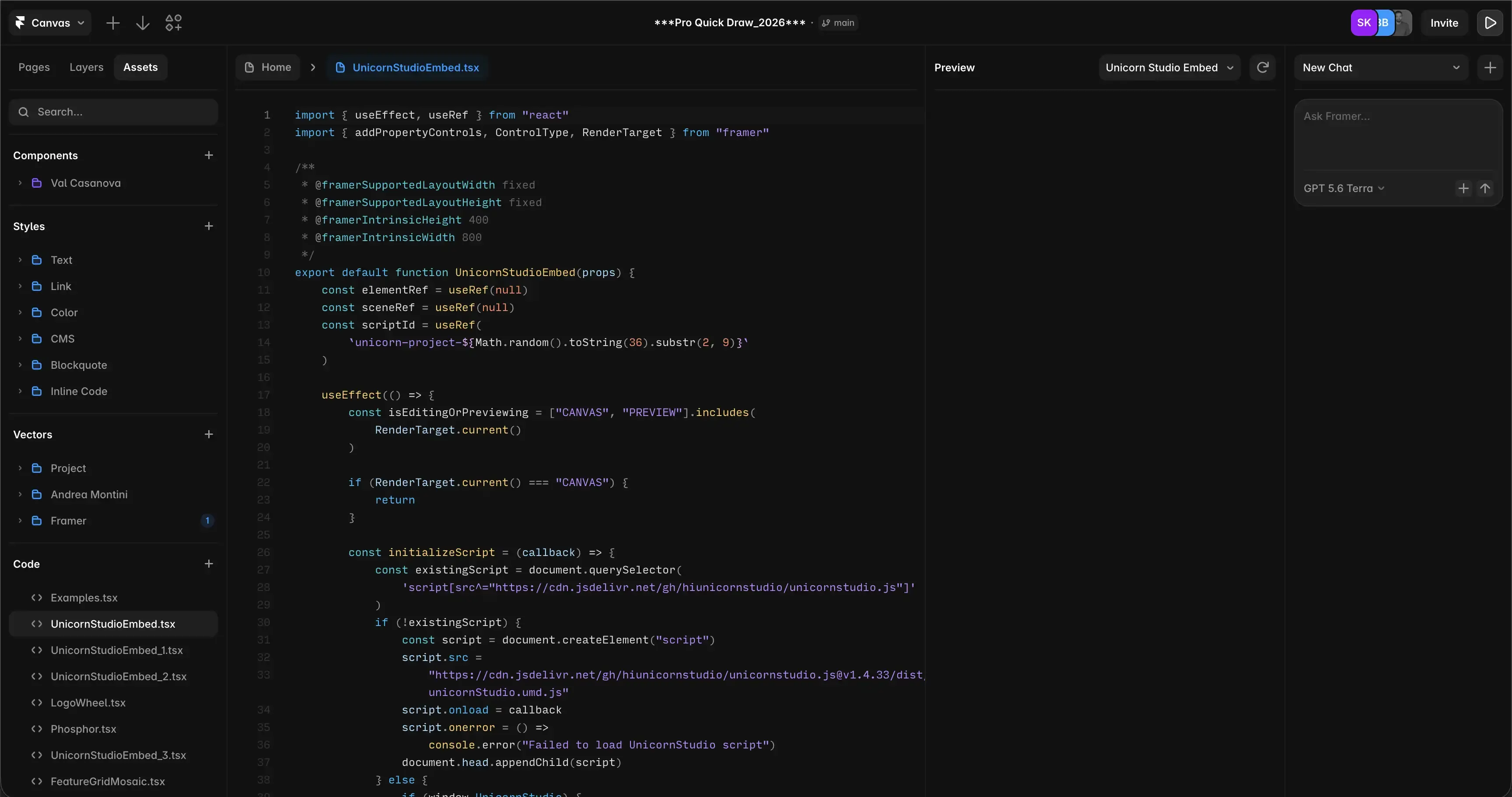
Pro Quick Draw already had an established website built in Framer, so the project was focused on improving the existing structure rather than redesigning everything. The main objective was to combine Framer and SEO best practices with practical responsive fixes, technical troubleshooting, and launch preparation.

SEO for Framer is not limited to filling in a page title and meta description. The website also needed consistent headings, useful image information, reliable internal navigation, clean URLs, responsive layouts, and working interactions across real devices. The project therefore combined visible UX improvements with technical SEO work behind the interface.

Project tasks

Complete Framer SEO optimization before launch
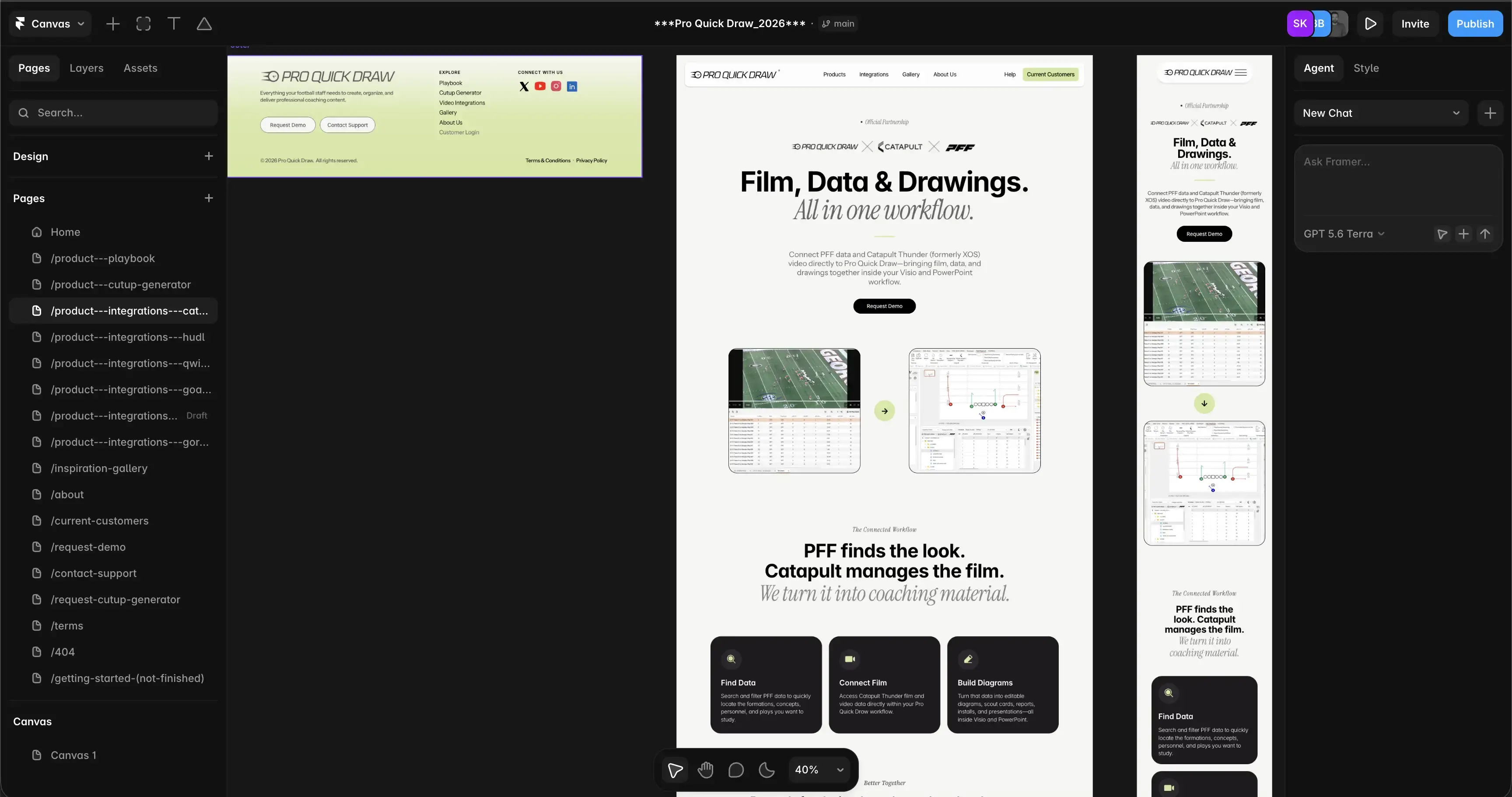
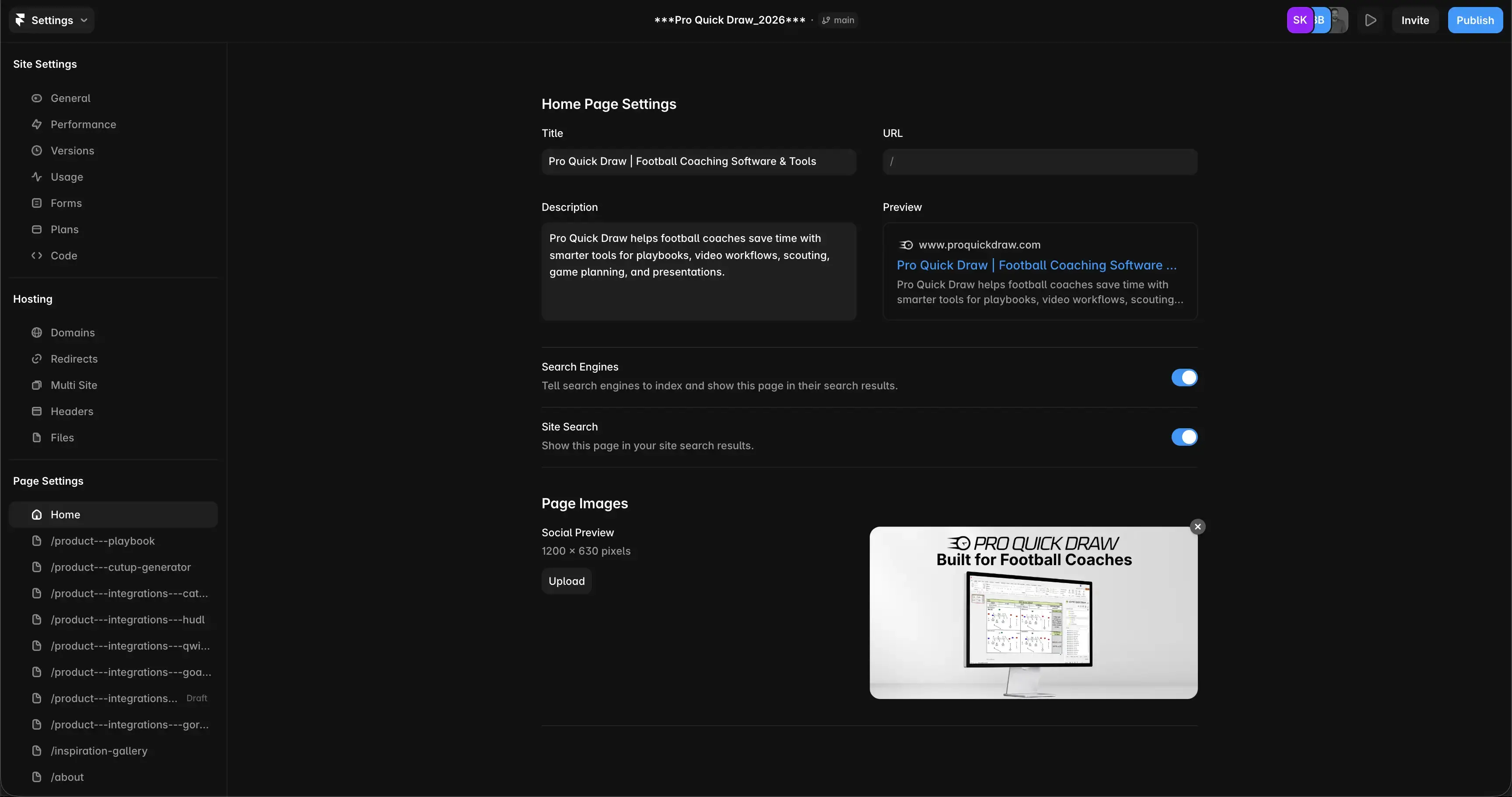
Review important Framer SEO settings across the website
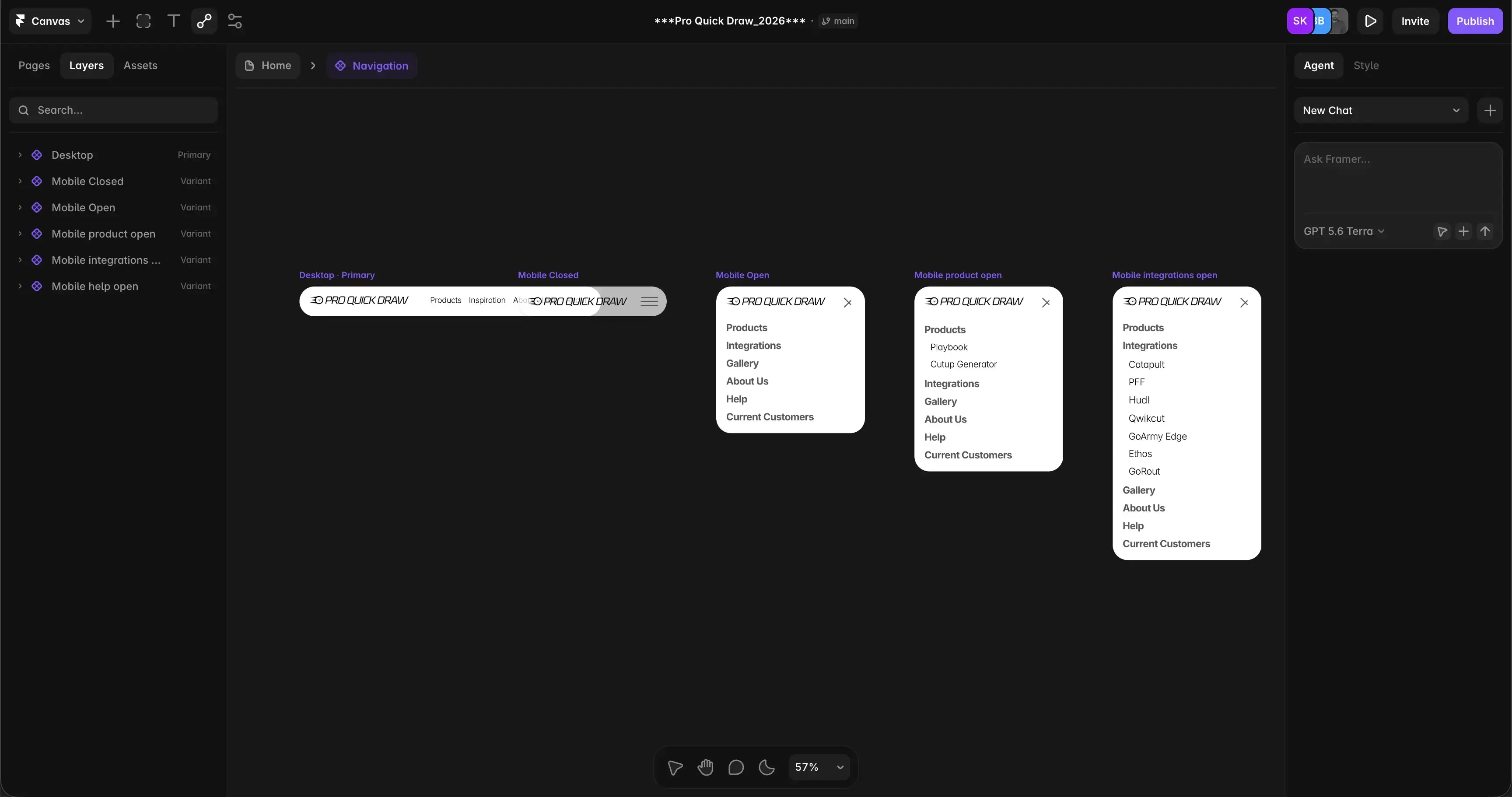
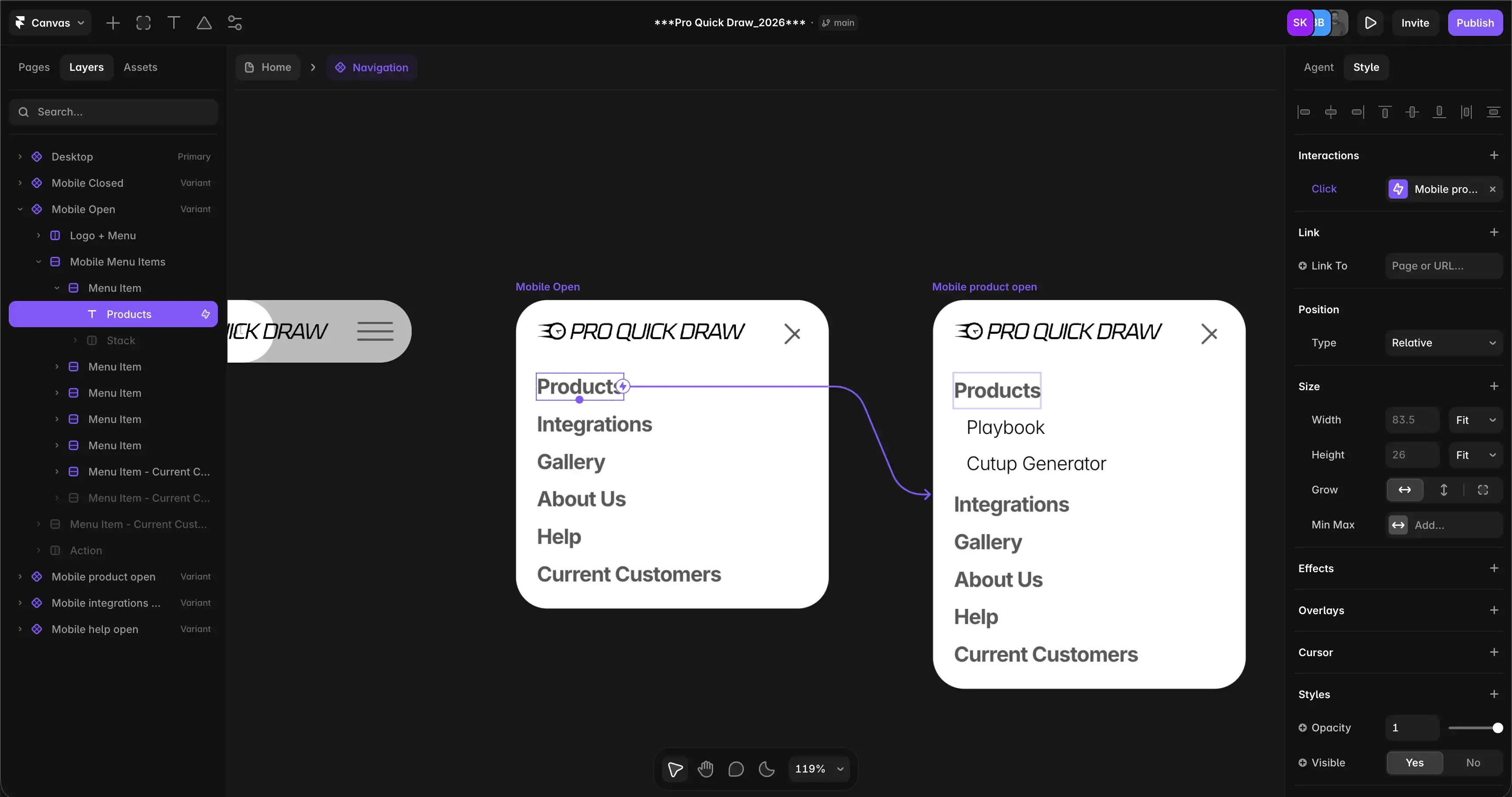
Fix mobile navigation and submenu interaction problems
Review H1 and H2 structure, titles, meta descriptions, and image ALT text
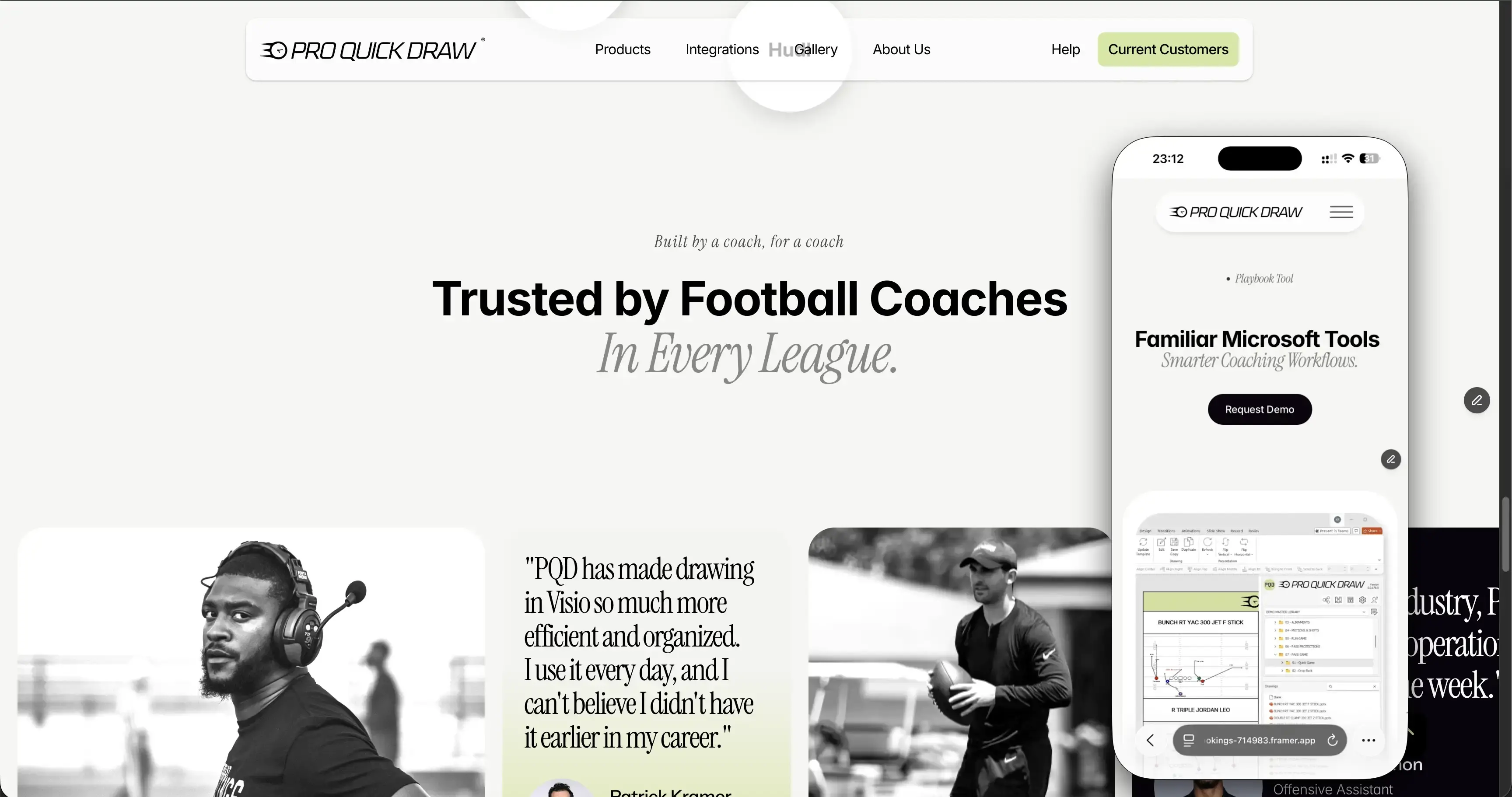
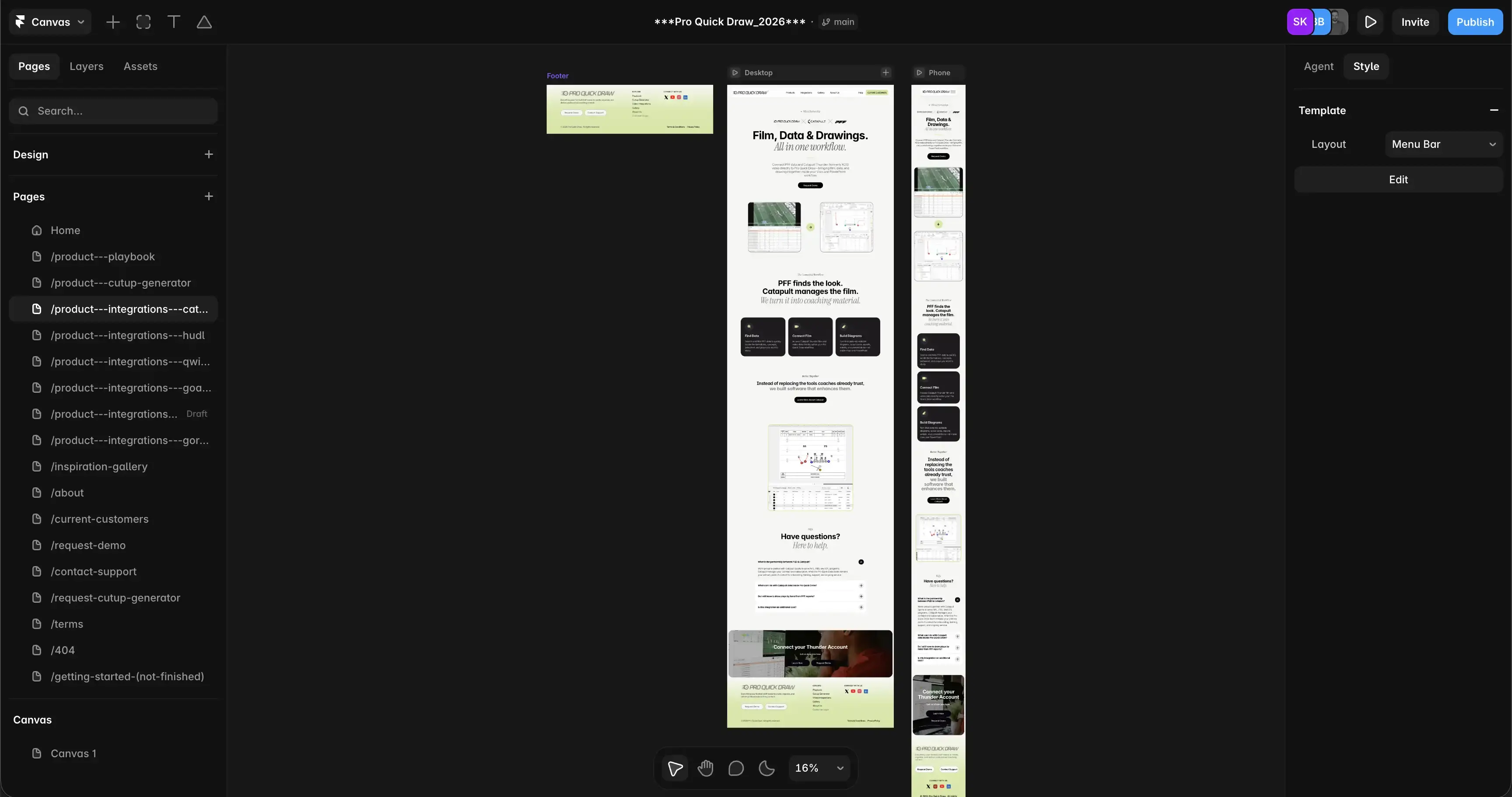
Check responsive behavior across desktop and mobile layouts
Resolve page-layer and pointer conflicts affecting mobile navigation
Prepare existing URLs and redirects for the domain migration
Complete live-site and real-device QA before launch
Framer optimization completed before launch

Results

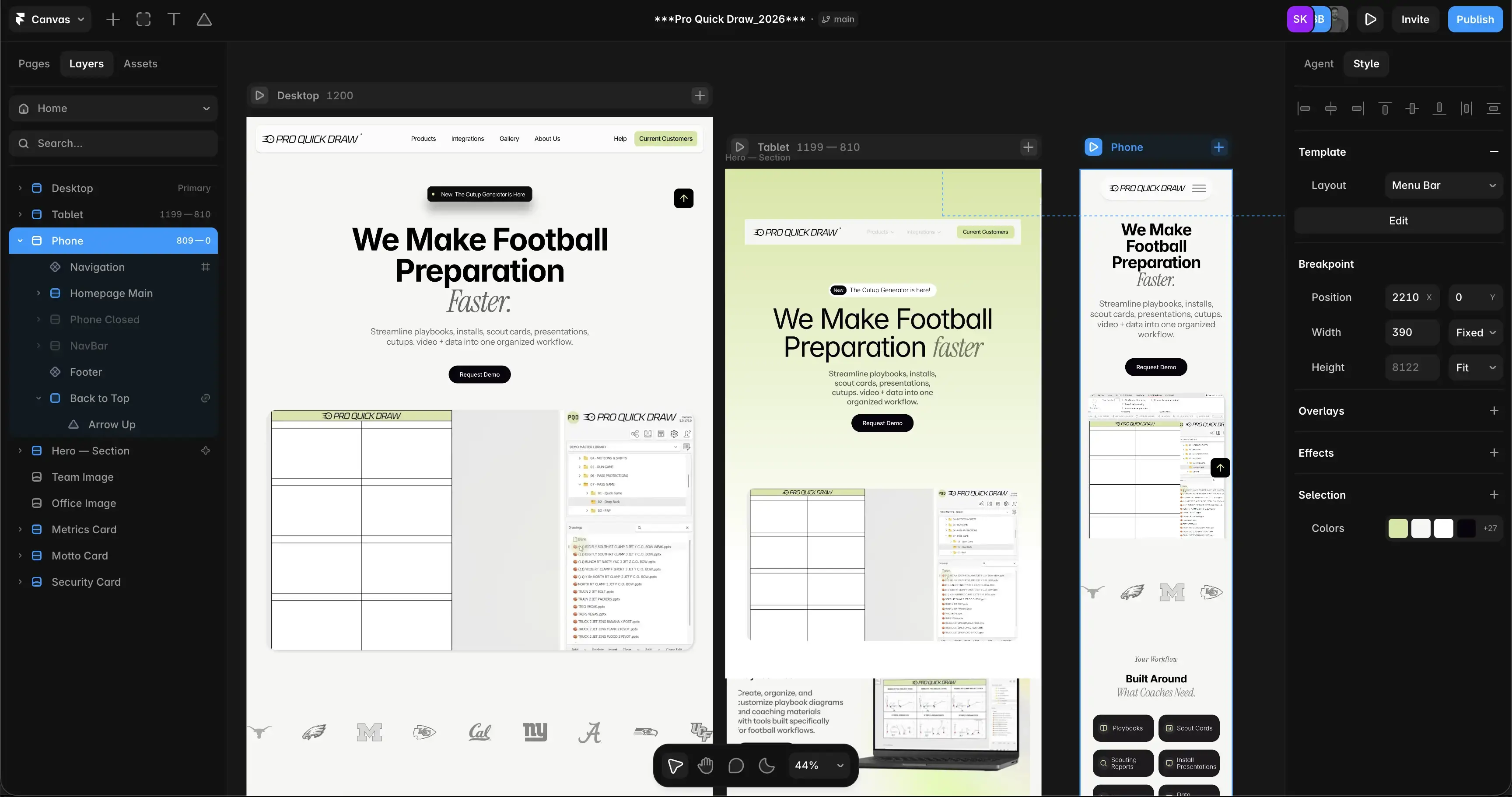
The website went through a detailed pre-launch optimization process covering both usability and SEO in Framer. Navigation issues that initially appeared to be component problems were traced to page-level layers intercepting mobile taps. Correcting the relevant pointer behavior restored the hamburger menu and logo interactions without unnecessarily rebuilding the shared navigation component.

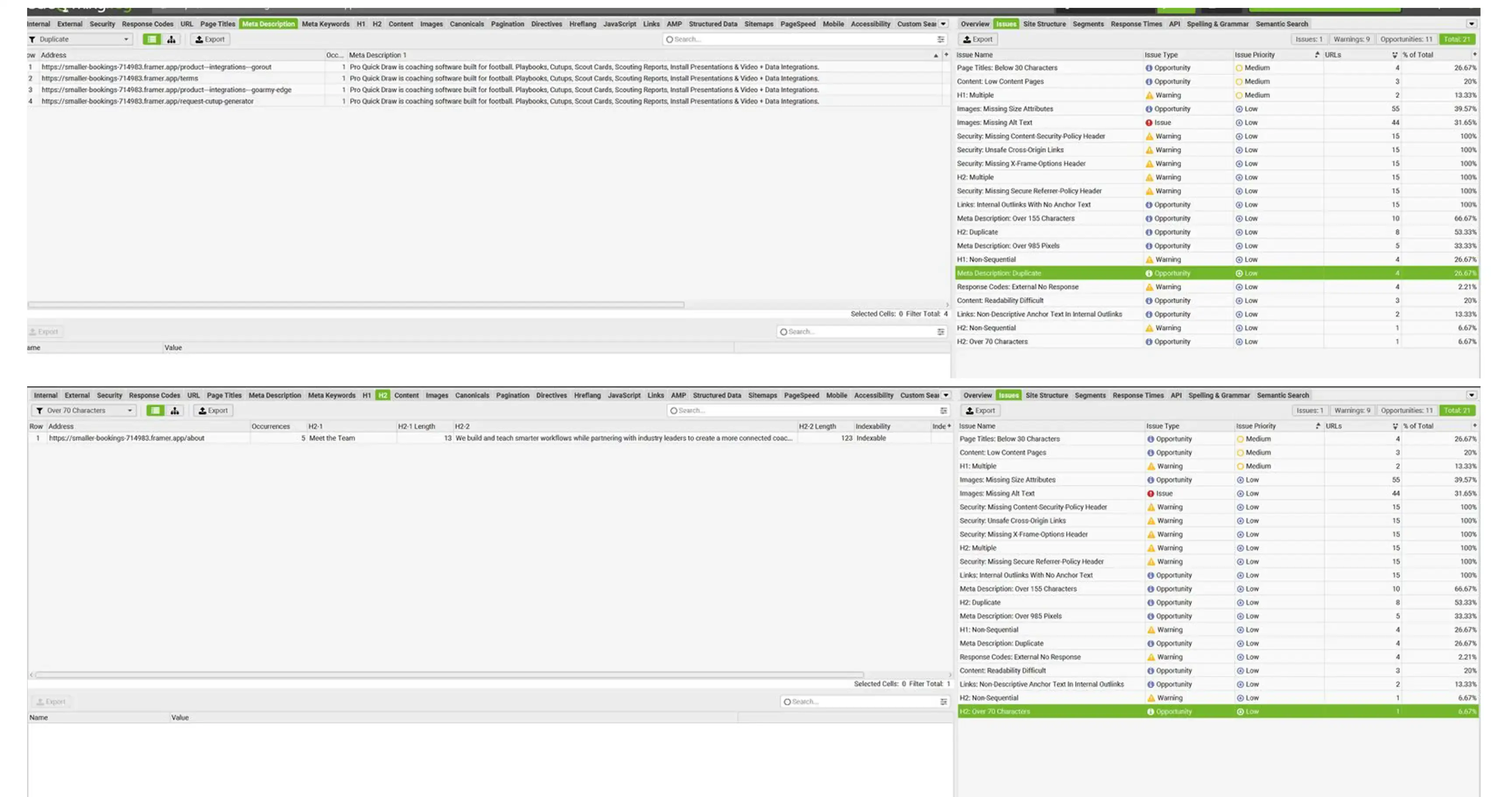
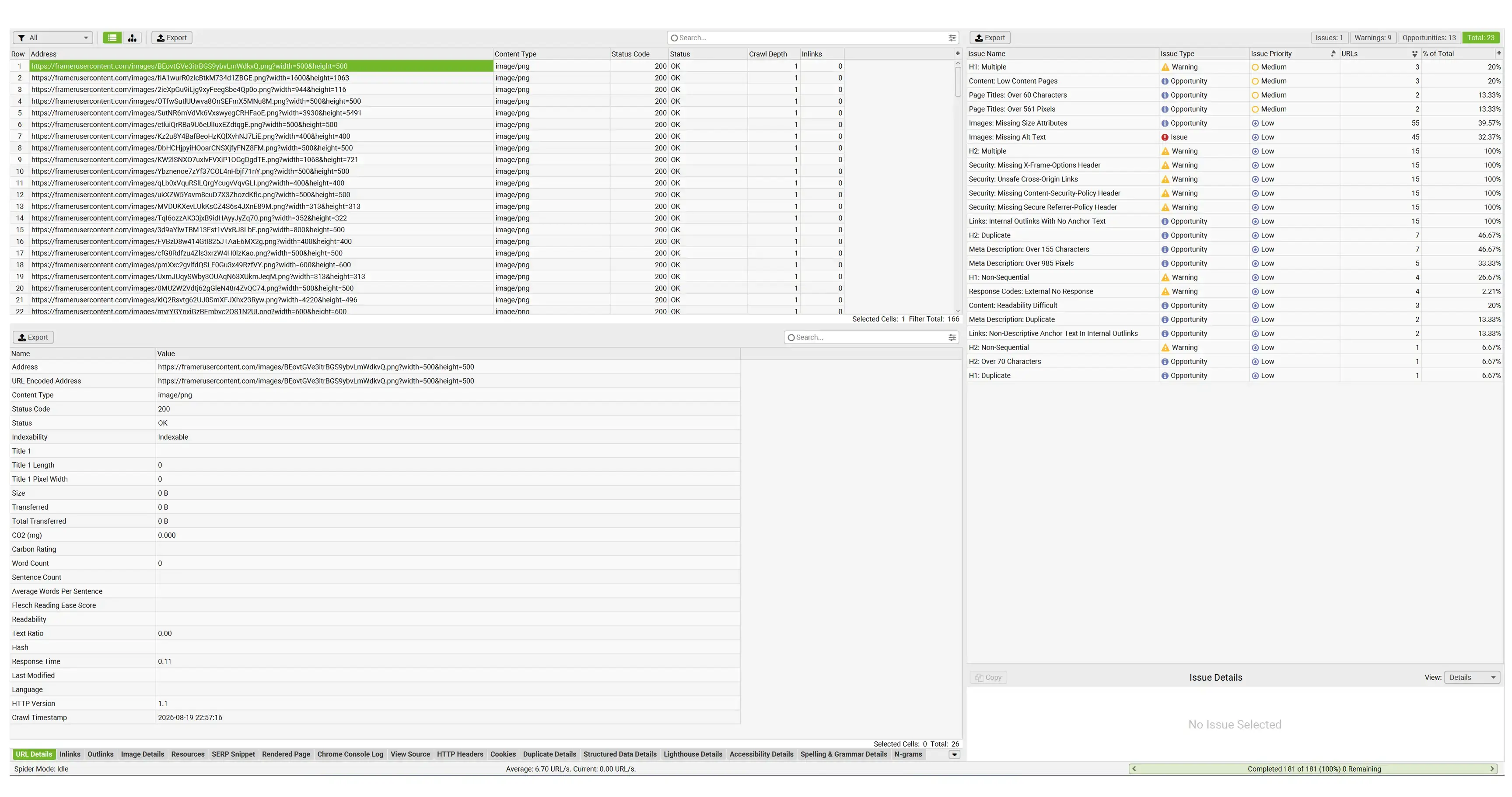
The SEO review also identified areas involving headings, image ALT text, page titles, meta descriptions, content depth, links, and existing URL structure. This created a clearer checklist of what needed attention before moving the primary domain to the new Framer site.
The final workflow extended beyond the Framer editor. Important pages were tested in Preview, on the published Framer domain, in private browser sessions, and on a real mobile device. Existing website URLs were also considered before the domain switch so pages could retain appropriate slugs or use redirects where necessary.
Framer SEO and technical page structure reviewed before launch
Mobile navigation interaction problems diagnosed and resolved
Responsive behavior reviewed across key breakpoints
Existing URLs considered for migration and redirect planning
Framer SEO Technical Audit
Framer SEO Technical Audit Pre-launch Framer SEO audit highlighting issues with headings, metadata, image ALT text, links, and page structure.
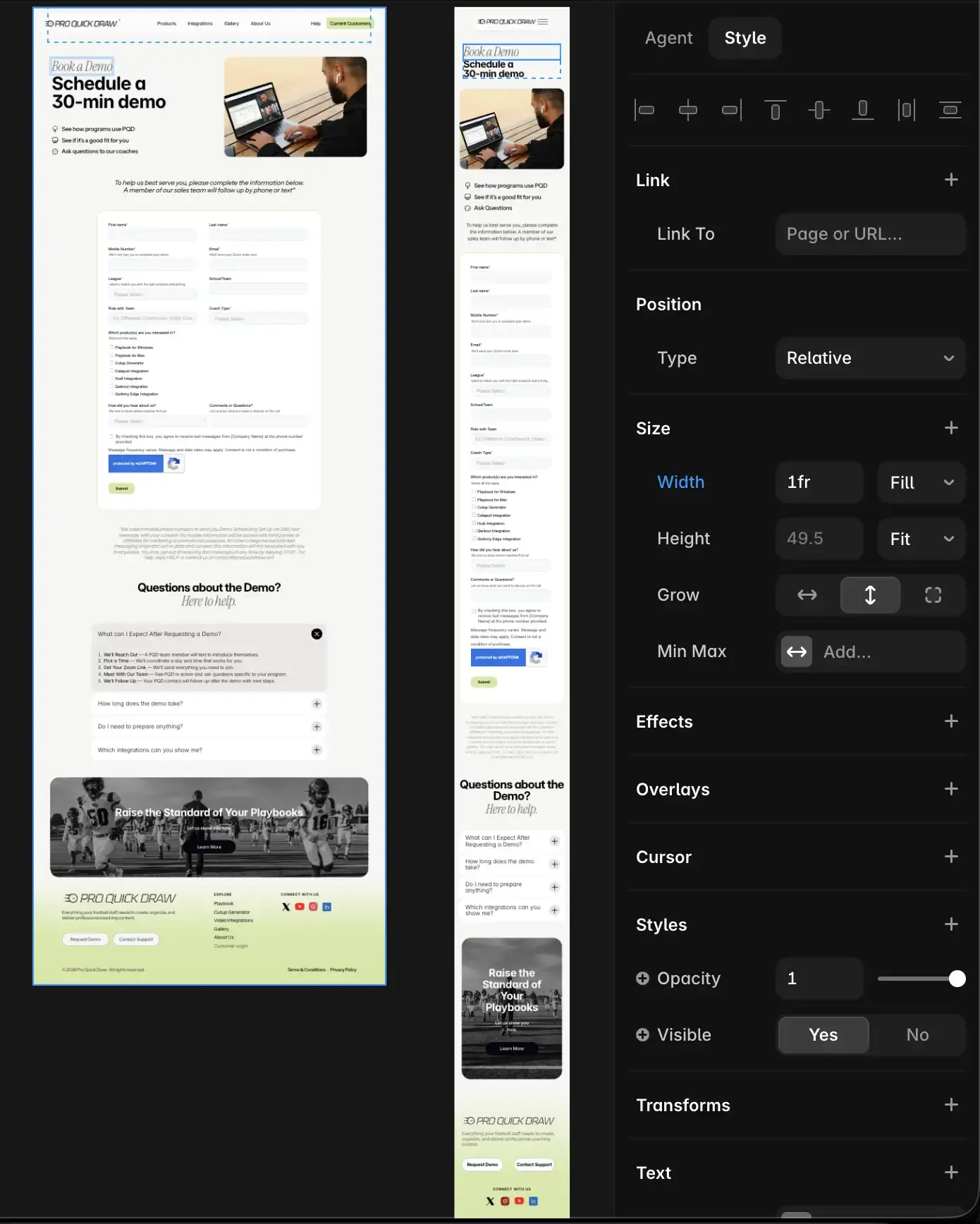
Framer Responsive Mobile Navigation
Framer Responsive Mobile Navigation Responsive Framer QA across desktop and mobile, including fixes for navigation, touch interactions, and layout behavior.
SEO for Framer goes beyond metadata
Technical SEO for Framer

SEO for Framer goes beyond metadata

A successful approach to SEO on Framer involves more than adding keywords to titles. Search engines also need clear page structure, crawlable links, useful content, descriptive image information, logical URLs, and technically accessible pages. Users arriving from search also need the website to work correctly on their device.

For Pro Quick Draw, Framer SEO optimization therefore included both traditional on-page elements and practical technical troubleshooting. The work covered headings, metadata, images, links, responsive layouts, navigation behavior, page layering, URL migration, and final QA.
H1 and H2 hierarchy reviewed across important pages
Missing image ALT text identified before launch
Short, duplicated, and overly long metadata reviewed
Framer SEO settings included in the page-by-page QA process
Mobile navigation tested outside the Framer editor
Pointer and Z-index conflicts diagnosed at page level
Existing URLs reviewed before switching the primary domain
Published pages tested before final launch
Mobile Framer troubleshooting

Fixing navigation that worked in Preview but failed on a real phone

One of the most useful findings during the project involved the mobile navigation. On several integration pages, the navigation appeared visually above the page, but the hamburger button and logo could not be tapped on a real phone. Replacing the navigation component did not solve the problem.

The actual cause was a large page layer intercepting pointer events above the navigation. Adjusting the pointer behavior on the non-interactive wrapper restored the controls without rebuilding the shared component. This illustrates why SEO with Framer should also consider usability and real-device behavior: a page can be technically published but still provide a poor experience to users arriving from Google.
Responsive optimization

A Framer site tested beyond a single desktop viewport

Responsive behavior was an important part of the optimization because Pro Quick Draw contains product pages, integration pages, navigation variants, galleries, cards, videos, and conversion actions. A layout that looks correct at desktop width does not automatically provide a reliable mobile experience.

Desktop layouts were reviewed for structure and consistency, while intermediate screen widths were checked to make sure the design transitioned cleanly between desktop and mobile layouts. Mobile received additional interaction testing because menus, tap targets, fixed navigation, page overlays, spacing, and content flow required closer attention.
FAQ about Framer SEO

Questions about Framer SEO optimization

These answers cover common questions about SEO for Framer, technical settings, sitemaps, Google Search Console, robots.txt, responsive optimization, and launch preparation.
Is Framer good for SEO?
Yes. Framer can provide a strong foundation for search optimization when the website is configured correctly. Good Framer SEO depends on page titles, meta descriptions, headings, URLs, internal links, image ALT text, useful content, responsive usability, performance, and a clean technical setup.
What does Framer SEO optimization include?
Framer SEO optimization can include keyword-focused page structure, SEO titles, meta descriptions, H1 and H2 hierarchy, image ALT text, internal links, technical audits, URL structure, redirects, responsive testing, and final launch QA. The exact scope depends on the condition and size of the existing Framer website.
Which Framer SEO settings should be checked before launch?
Important Framer SEO settings include page titles, meta descriptions, page URLs, indexing settings, semantic heading structure, image ALT information, redirects, social metadata, and other page-specific search settings. These should be reviewed together with the actual published website rather than only inside the editor.
How do you handle SEO in Framer for an existing website?
SEO in Framer can be improved without rebuilding the complete website. Existing pages can be audited and updated individually, including their headings, metadata, URLs, image information, content, internal links, responsive layouts, and technical behavior.
Can SEO on Framer include technical troubleshooting?
Yes. SEO on Framer should also consider technical usability problems that affect visitors. Broken navigation, inaccessible links, layout overlays, incorrect redirects, mobile interaction problems, and poorly structured pages can all weaken the experience users receive after arriving from search.
Does Framer provide a sitemap?
A Framer sitemap helps search engines discover indexable pages on the website. During SEO work it is useful to verify that the intended pages are available to search engines and that outdated, draft, or unwanted pages are not accidentally included in the final website structure.
How should a Framer sitemap XML file be checked?
The Framer sitemap XML should be reviewed as part of launch QA to confirm that important public pages are discoverable and that the final page structure reflects the website that should be indexed. This becomes especially important when replacing an existing website or changing URL structures.
What should be checked for Google Search Console Framer setup?
For a Google Search Console Framer setup, the final custom domain should be verified, important URLs should return the correct status, redirects should work, and the sitemap should be available for crawling. Search Console can then be used to monitor indexing and organic search performance after launch.
Does Framer have a robots.txt file?
A Framer robots.txt file is part of the technical crawling setup that search engines can use when accessing the website. During a technical SEO review, robots.txt should be considered together with indexing settings, sitemap availability, redirects, and page-level visibility.
How long does SEO for Framer take?
SEO for Framer depends on the number of pages and the amount of work required. A focused audit and optimization may take several days, while a larger site with responsive issues, metadata cleanup, content work, migration planning, redirects, and technical troubleshooting may require a more detailed process.
Need Framer SEO optimization before launch?
Need help with a Framer website?

Need Framer SEO optimization before launch?

If you have an existing Framer site that needs technical SEO, responsive fixes, metadata cleanup, mobile troubleshooting, URL migration, or final launch preparation, Web Fly can review the current setup and focus on the changes that matter most before publishing.

Choose a convenient contact method

Framer SEO and technical website audits

Responsive troubleshooting across real devices

URL migration, redirects, and launch preparation

Share: