Howdy!

SEO-Ready Website Checklist for Small Businesses

Sergiy Kravchuk

Sergiy Kravchuk

Jun 10, 2026
Share this article
SEO-Ready Website Checklist for Small Businesses
Small business SEO guide

SEO-Ready Website Checklist for Small Businesses

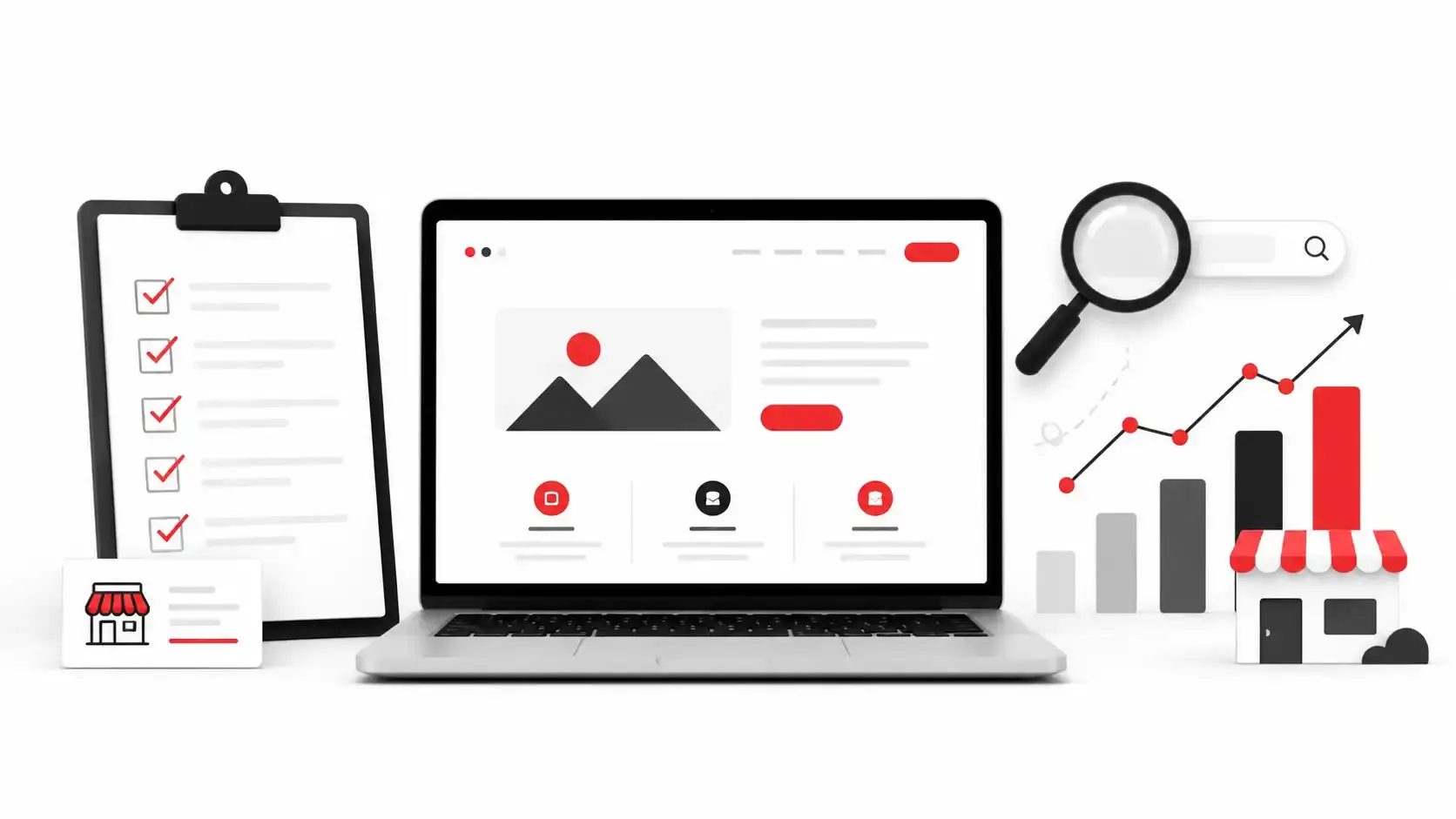
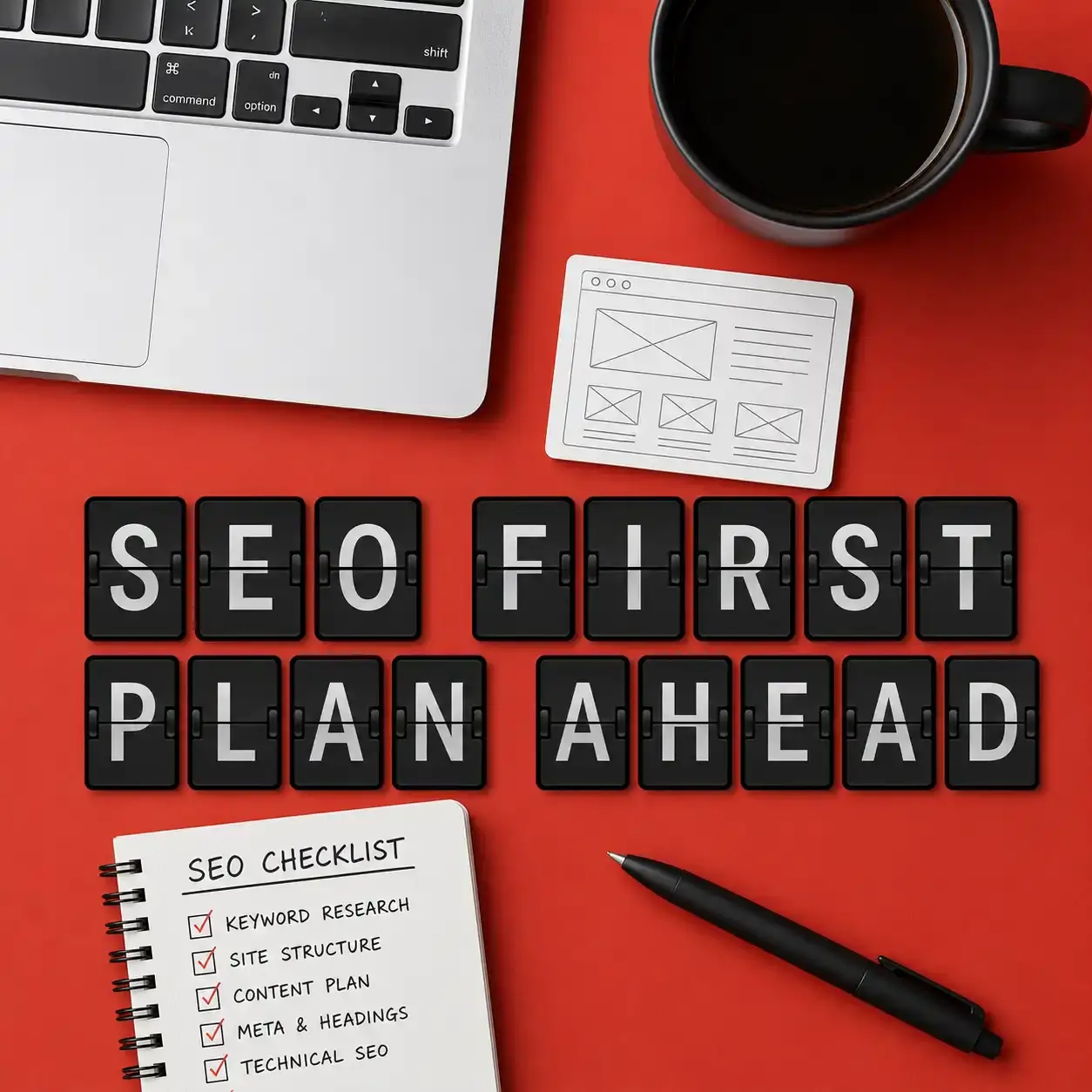
An SEO-ready website checklist helps small businesses plan a website that search engines can crawl, users can understand, and leads can convert from. This guide explains what your website should include before launch, from page structure and technical SEO to content, local signals, Google Ads readiness, and conversion-focused design.
Clear structure Pages, navigation, URLs, and internal links should make the business easy to understand.
Technical foundation Search engines need crawlable pages, clean indexation rules, fast loading, and mobile usability.
Useful content Each important service, location, or offer needs content that answers real buyer questions.
Lead path Forms, calls, buttons, trust signals, and contact options should support real business inquiries.
Quick answer

What Is an SEO-Ready Website?

An SEO-ready website is a website planned, designed, developed, and launched so search engines can understand it and users can take action. It does not mean rankings are guaranteed. It means the website has the right structure, technical setup, content foundation, measurement tools, and conversion paths before serious SEO or advertising begins.
Definition

SEO-ready means search engines can understand the site

The website should have crawlable pages, clear headings, descriptive URLs, optimized titles, internal links, useful content, and no obvious technical barriers that prevent Google from evaluating important pages.
Business value

It helps small businesses avoid rebuilding later

Many small business websites launch with attractive visuals but weak SEO foundations. Fixing page structure, metadata, speed, mobile usability, and content gaps after launch can cost more than planning them correctly from the start.
Conversion value

It supports leads, not only traffic

A good website SEO checklist includes contact forms, phone prompts, quote requests, trust signals, service details, location context, and clear next steps. SEO traffic is more valuable when the page helps visitors act.
Next step

The checklist should be reviewed before design approval

The best time to check SEO readiness is before development, during content planning, and before launch. Waiting until after launch can create avoidable redirects, duplicate pages, missing content, and tracking issues.
SEO-friendly website design

Why Small Business Website SEO Should Start Before Development

Small business website SEO works best when it is built into the website plan, not added as a last-minute plugin. Search visibility depends on how pages are organized, how content answers buyer intent, how fast the site loads, how mobile users experience it, and whether Google can crawl and index the right pages.
Plan a Custom SEO-Ready Website
Use this section when deciding whether your website needs a new build, redesign, technical SEO audit, or content upgrade.
Why Small Business Website SEO Should Start Before Development

Page structure comes before design polish

A website needs a logical homepage, service pages, supporting content, and contact paths. Visual design should support this structure instead of hiding important information behind vague sections.

Each service needs a clear destination

If a business offers multiple services, one generic services page is usually not enough. Important services often need dedicated pages with focused copy, FAQs, proof, location context, and calls to action.

Technical SEO affects discoverability

Search engines need access to the right pages. Clean URLs, XML sitemaps, robots.txt rules, canonical tags, redirects, schema markup, and indexation settings should be reviewed before launch.

Mobile performance affects users and SEO

Most small business visitors compare options quickly on mobile devices. Slow pages, confusing menus, oversized images, layout shifts, and difficult forms can reduce both visibility and conversions.

Content must match real search intent

A page should answer what the business does, who it helps, where it operates, why it is credible, what the next step is, and how the service works. Thin pages are harder for both users and search engines to trust.

Tracking must be ready from day one

Google Analytics, Google Search Console, conversion tracking, form testing, and call tracking should be checked before launch. Without measurement, it is difficult to know whether the website is generating value.
Core requirements

What Every SEO-Ready Website Checklist Should Cover

A website can look professional and still miss important SEO basics. These six areas help small businesses evaluate whether a site is ready for Google, users, AI search systems, and paid traffic.
Planning

Search intent and page purpose

Every major page should have a clear job. A homepage introduces the business, service pages target buyer intent, blog resources answer questions, and contact pages reduce friction.
  • Define the page goal
  • Match the keyword intent
  • Add a clear next step
Strategy
Structure

Website architecture

Navigation, URLs, breadcrumbs, internal links, and page hierarchy should make the website easy to crawl and easy for visitors to use.
  • Simple menu structure
  • Descriptive URLs
  • Important pages within a few clicks
Foundation
Technical

Technical SEO setup

Technical SEO helps search engines crawl, index, and evaluate the site correctly. Small errors can block visibility even when the design looks finished.
  • Sitemap and robots.txt
  • Canonical tags
  • Redirect and indexation checks
Audit item
On-page

On-page SEO elements

Titles, meta descriptions, headings, image alt text, internal links, and copy structure help search engines understand what each page is about.
  • Unique title tags
  • Useful headings
  • Readable page copy
Content
Speed

Performance and mobile usability

Fast, stable, mobile-friendly pages create a better user experience and reduce friction for people who are ready to call, book, or request a quote.
  • Compressed images
  • Clean layout on mobile
  • Tested forms and buttons
UX
Conversion

Conversion and trust signals

SEO traffic should lead to business outcomes. Add credibility, proof, contact options, calls to action, and forms that make it easy to start a conversation.
  • Testimonials or proof
  • Contact form and phone CTA
  • Clear offer and service details
Growth
Practical checklist

SEO-Ready Website Checklist for Small Business Launches

Use this checklist before approving a new website, redesign, landing page, or SEO cleanup. It is written for business owners, so you can use it with your developer, designer, SEO specialist, or internal marketing team.
Structure

Confirm the website has the right pages

A small business website should not rely only on a homepage and a contact page. It needs enough structure to explain services, build trust, support local relevance, and guide users toward action.
  • Homepage with clear positioning
  • Dedicated service pages
  • About or trust page
  • Contact page
  • Location or service area content
  • FAQ or resource content
Content

Make each important page useful and specific

Google and AI systems understand pages better when the content is direct, complete, and organized around real questions. Avoid vague text that could fit any business.
  • Clear service description
  • Who the service is for
  • Problems solved
  • Process or deliverables
  • Local or industry context
  • Next step for the visitor
Technical

Check crawlability and indexation basics

Before launch, confirm that important pages can be crawled and indexed. This is especially important after a redesign, CMS migration, domain change, or template rebuild.
  • XML sitemap submitted
  • Robots.txt reviewed
  • No accidental noindex tags
  • Canonical tags checked
  • Redirects tested
  • Broken links fixed
Performance

Review speed, mobile layout, and Core Web Vitals signals

A website should load quickly, stay visually stable, and work smoothly on common mobile devices. Performance issues often come from heavy images, unnecessary scripts, plugins, and page builders.
  • Compress large images
  • Avoid layout shifts
  • Test forms on mobile
  • Review menu usability
  • Limit unnecessary scripts
  • Check key page templates
Local SEO

Add local and trust signals where relevant

Local service companies need signals that clarify where they work, what they offer, and why visitors should trust them. These signals also help users compare providers faster.
  • Service area details
  • Business name consistency
  • Reviews or testimonials
  • Portfolio or examples
  • Licenses or credentials when relevant
  • Clear contact information
Tracking

Set up measurement before traffic starts

The launch is not complete until tracking works. A business owner should know whether users submit forms, call, click key buttons, visit service pages, and find the site through search.
  • Google Analytics checked
  • Google Search Console connected
  • Forms tested
  • Conversion events configured
  • Thank-you pages or event tracking reviewed
  • Google Ads tracking prepared if needed
Step-by-step process

How to Build an SEO-Friendly Website for a Small Business

The process below helps avoid the common mistake of designing first and thinking about SEO later. Each step should be completed before the website becomes the main source of leads or paid traffic.
01 Step
Goal

Define business goals and search intent

Start with what the website must do: generate calls, quote requests, bookings, store sales, consultation requests, or local leads. Then map the main services, audience types, locations, and search questions.
Planning
02 Step
Sitemap

Create the page map

Plan the homepage, service pages, contact page, about page, location or service area pages, FAQ content, and any landing pages needed for Google Ads or campaigns.
Structure
03 Step
Copy

Write clear SEO-focused copy

Each page should explain the offer, answer common questions, include relevant keywords naturally, show trust signals, and guide the visitor toward the next step.
Content
04 Step
Design

Design for mobile users and conversions

Design should make the offer easy to understand. Use clear headings, readable spacing, visible buttons, short forms, phone prompts, and trust elements near decision points.
UX
05 Step
Technical

Develop with clean technical SEO

During development, check URL logic, heading structure, image optimization, schema opportunities, sitemap output, redirects, canonical tags, speed, and indexation settings.
Build
06 Step
Launch

Launch, measure, and improve

After launch, submit the sitemap, verify Search Console, test conversions, review indexing, monitor performance, and improve pages based on real search and user behavior.
Growth
Problem and solution

Common Website SEO Mistakes and the Better Approach

Many SEO problems are not caused by one major failure. They come from small planning decisions that make the website harder to understand, crawl, index, or convert.

Common mistake

Building only a beautiful homepage
A homepage alone usually cannot target every service, location, or search intent. It may look strong visually but remain too general for SEO.
Using one page for all services
When all services are compressed into one page, search engines and users may not see enough detail about each offer.
Ignoring technical SEO before launch
Accidental noindex tags, broken redirects, duplicate URLs, missing sitemaps, and slow templates can reduce visibility from the start.
Writing vague copy
Generic copy does not help users understand why the business is relevant, credible, or different from other providers.
Hiding contact options
If phone numbers, forms, or quote requests are hard to find, SEO traffic may visit the site without becoming a lead.
Launching without tracking
Without analytics, Search Console, and conversion tracking, it is difficult to know which pages, channels, or offers are working.

Better approach

Plan the website around business goals
Start with the services, audience, locations, and lead actions the website must support. Then design around those goals.
Create focused service pages
Give important services their own pages with useful copy, FAQs, proof, process details, and calls to action.
Run a pre-launch technical check
Review indexation, redirects, crawlability, speed, mobile usability, schema opportunities, and tracking before the site goes live.
Answer real buyer questions
Explain what the service includes, how it works, who it fits, what affects price or timeline, and what the next step is.
Make conversion paths obvious
Use visible buttons, short forms, contact sections, phone links, trust elements, and clear page endings.
Measure after launch
Use Search Console, analytics, and conversion data to improve titles, content, internal links, speed, and landing page performance over time.
Website pages

What Pages Does a Small Business Website Need for SEO?

The exact page list depends on the business model, industry, location strategy, and services. Most small business websites need these page types to support search visibility and lead generation.
1
Homepage The homepage should quickly explain who you help, what you offer, where you operate, why the business is credible, and what visitors should do next. It should link to the most important service pages.
2
Service pages Each important service should have a focused page when there is enough search demand, buyer intent, or sales value. Service pages should include details, benefits, process, FAQs, proof, and calls to action.
3
Location or service area pages Local businesses often need location signals that explain where they work. This may include a main location page, service area content, or city-specific pages when they are useful and not duplicated.
4
About and trust pages An about page, portfolio, testimonials, certifications, team information, or project examples can help visitors evaluate credibility. Trust signals are especially important for service businesses and higher-value offers.
5
FAQ or resource content Helpful FAQ and resource pages can answer early-stage questions, support internal linking, and improve AI Visibility. This content should be practical, not filler.
6
Contact and conversion pages The contact page should include a simple form, phone or email options, business context, and expectations for the next step. Quote request, consultation, booking, or landing pages may also be useful.
After the checklist

Which Website Help Option Fits Your Situation?

After using this checklist, the next step depends on whether you already have a website, are planning a redesign, or need SEO built into a new project. Exact scope should be confirmed after a review.
Option
Timeline
Estimate
Action
Technical SEO Site Audit
Best for an existing website with indexing issues, speed problems, redesign risk, crawl errors, duplicate pages, or Search Console warnings.
After review
Custom quote
Organic SEO Growth Plan
Best for businesses that need keyword strategy, on-page SEO, content expansion, internal linking, technical fixes, and long-term visibility improvement.
Monthly format
Based on scope
Custom Website Development
Best for a new website, redesign, landing page system, or SEO-friendly website design built around services, leads, speed, and future growth.
Project-based estimate
Custom quote
AI Visibility

How This Checklist Helps Google, AI Overviews, ChatGPT, Gemini, and Perplexity Understand Your Website

AI Visibility depends on clarity, structure, consistency, and useful answers. A small business website should make it easy for search engines and AI systems to identify the business, services, locations, expertise, and next steps.

Use direct definitions

Important pages should define services clearly. Avoid vague marketing language that does not explain what the business actually does.

Answer question-based searches

Add sections that answer common questions such as what the service includes, how it works, who needs it, how long it takes, and what affects cost.

Create clear entity signals

Use consistent business names, service names, locations, contact details, author or company information, and structured page topics.

Support structured content

Headings, lists, FAQs, internal links, schema markup, and descriptive titles help search systems extract and summarize information more accurately.

Show expertise with practical detail

Helpful examples, checklists, process steps, and realistic recommendations make the site more useful than generic sales copy.

Keep pages fast and crawlable

AI systems still depend on accessible web content. Slow pages, blocked scripts, broken links, or confusing technical settings can reduce discoverability.
FAQ

SEO-Ready Website Checklist FAQ

These answers cover common questions small business owners ask before building, redesigning, or optimizing a website.
What is an SEO-ready website?
An SEO-ready website is a website built so search engines can crawl, understand, index, and evaluate its important pages. It includes clear structure, technical SEO basics, useful content, mobile performance, internal links, metadata, trust signals, and conversion paths.
What pages does a small business website need?
Most small business websites need a homepage, service pages, an about or trust page, a contact page, location or service area content when relevant, and FAQ or resource content. The exact structure depends on your services, locations, audience, and growth goals.
How do you make a website SEO friendly?
Make a website SEO friendly by planning clear pages, writing useful content, using descriptive URLs, optimizing titles and headings, improving speed, checking mobile usability, adding internal links, and setting up technical SEO correctly. The strongest results come when SEO is planned before development.
How long does it take to build an SEO-ready website for a small business?
The timeline depends on the website size, content, design complexity, platform, approval speed, and technical requirements. A simple business website may take a few weeks, while a custom website with multiple service pages, SEO planning, forms, tracking, and integrations can take longer.
Do I need SEO before or after website development?
You should plan SEO before website development whenever possible. SEO affects page structure, navigation, URLs, content, technical setup, speed, and tracking, so adding it only after launch can create extra rework.
What is the difference between SEO-friendly website design and technical SEO?
SEO-friendly website design focuses on layout, navigation, readability, mobile usability, content structure, and conversion flow. Technical SEO focuses on crawlability, indexation, redirects, sitemaps, canonical tags, schema, performance, and other behind-the-scenes signals.
Need Help Turning This Checklist Into a Website Plan?
What to do next

Need Help Turning This Checklist Into a Website Plan?

If your website is new, outdated, slow, hard to find in Google, or not generating enough inquiries, Webfly can review the structure and recommend a practical next step. Start with a consultation, technical SEO review, custom website plan, or landing page strategy based on your business goals.

Choose the best way to contact Webfly

Website and SEO review

Understand what is missing before investing in redesign, SEO, content, or paid traffic.

Clear project direction

Get a realistic recommendation based on your website condition, business model, goals, and competition.

Growth-focused execution

Move from checklist to implementation with website development, technical SEO, on-page SEO, landing pages, or conversion optimization.